
This article contains everything you need to know about Arkadium’s Sort Tiles Game.
Use the list below to navigate specific topics about Sort Tiles.
How to play
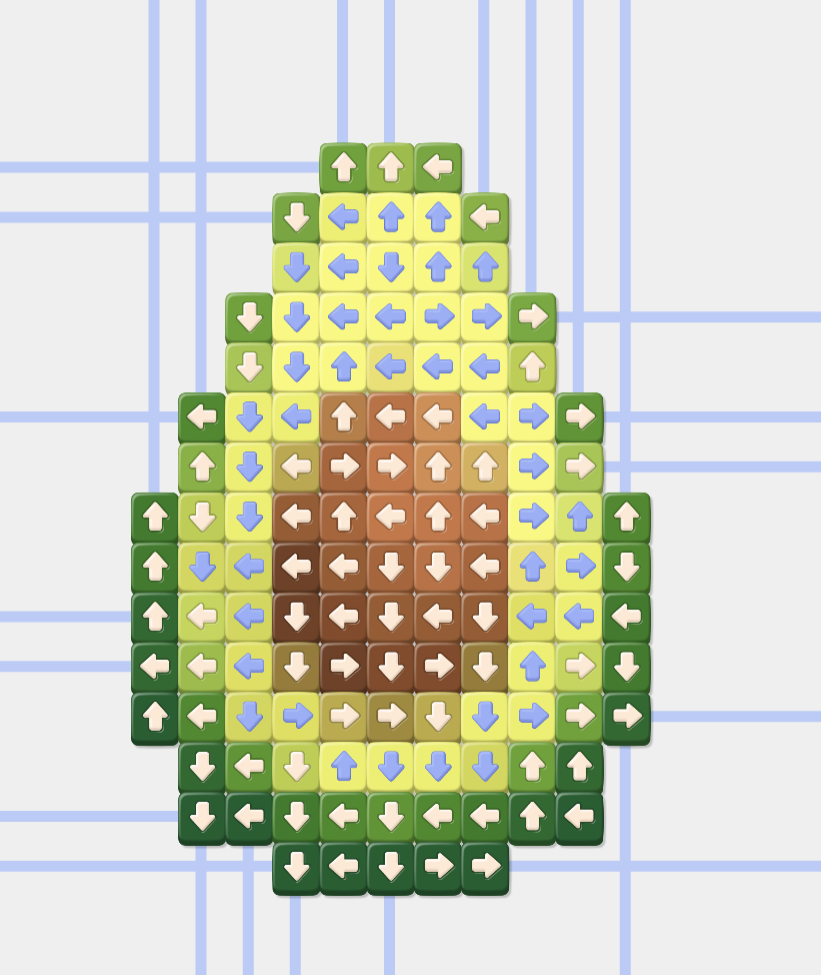
Unblock Evolution is a fun tile-pushing game. To play, you push tiles out of a grid, until there are no more tiles to push. Tiles only move in one single direction (the one marked in its arrow), so make sure that the tile you're pushing doesn't have any others in the way, or else it will be stuck.
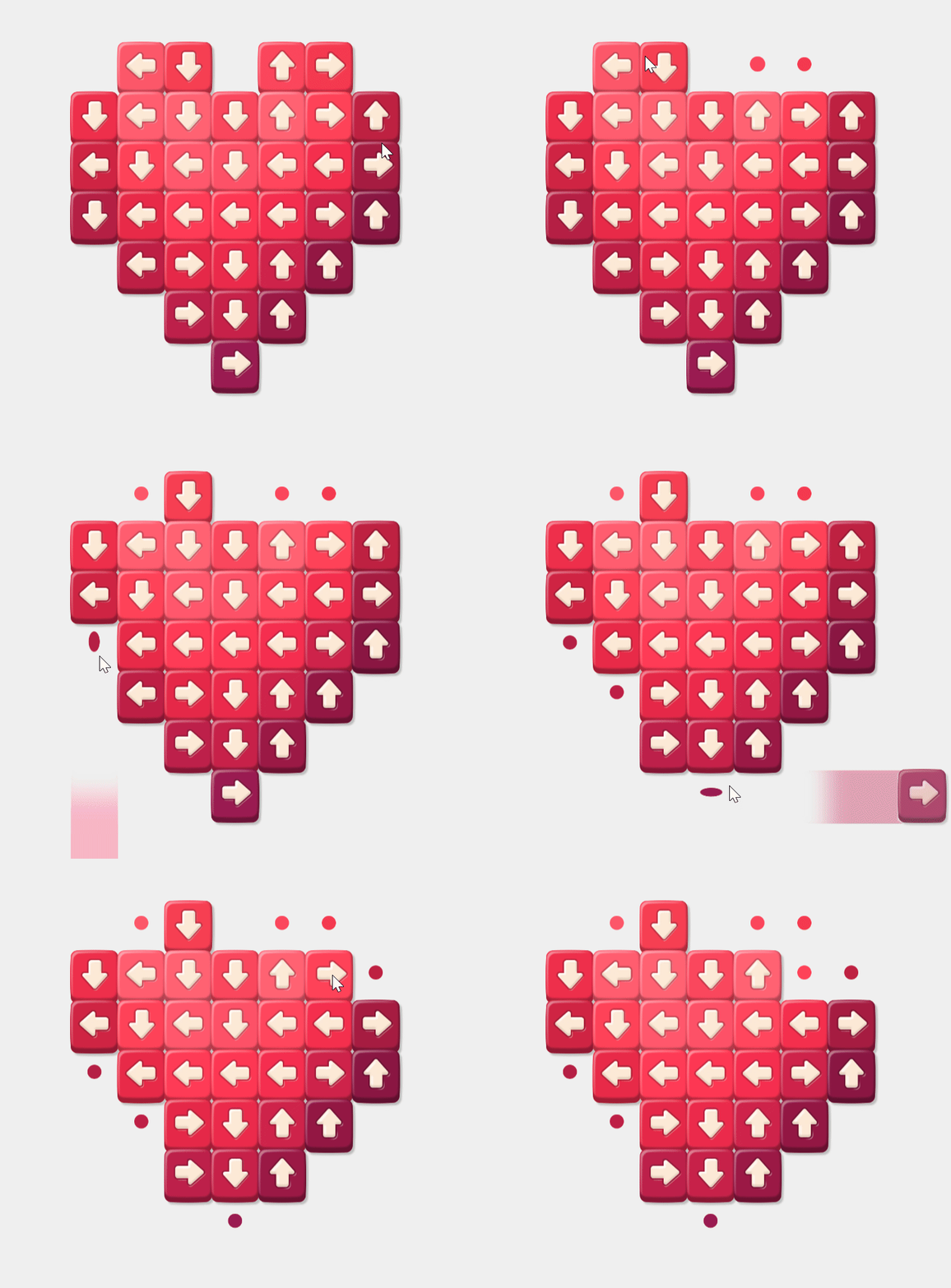
Empty tile spaces will have small circles to illustrate where you've removed any tiles before.
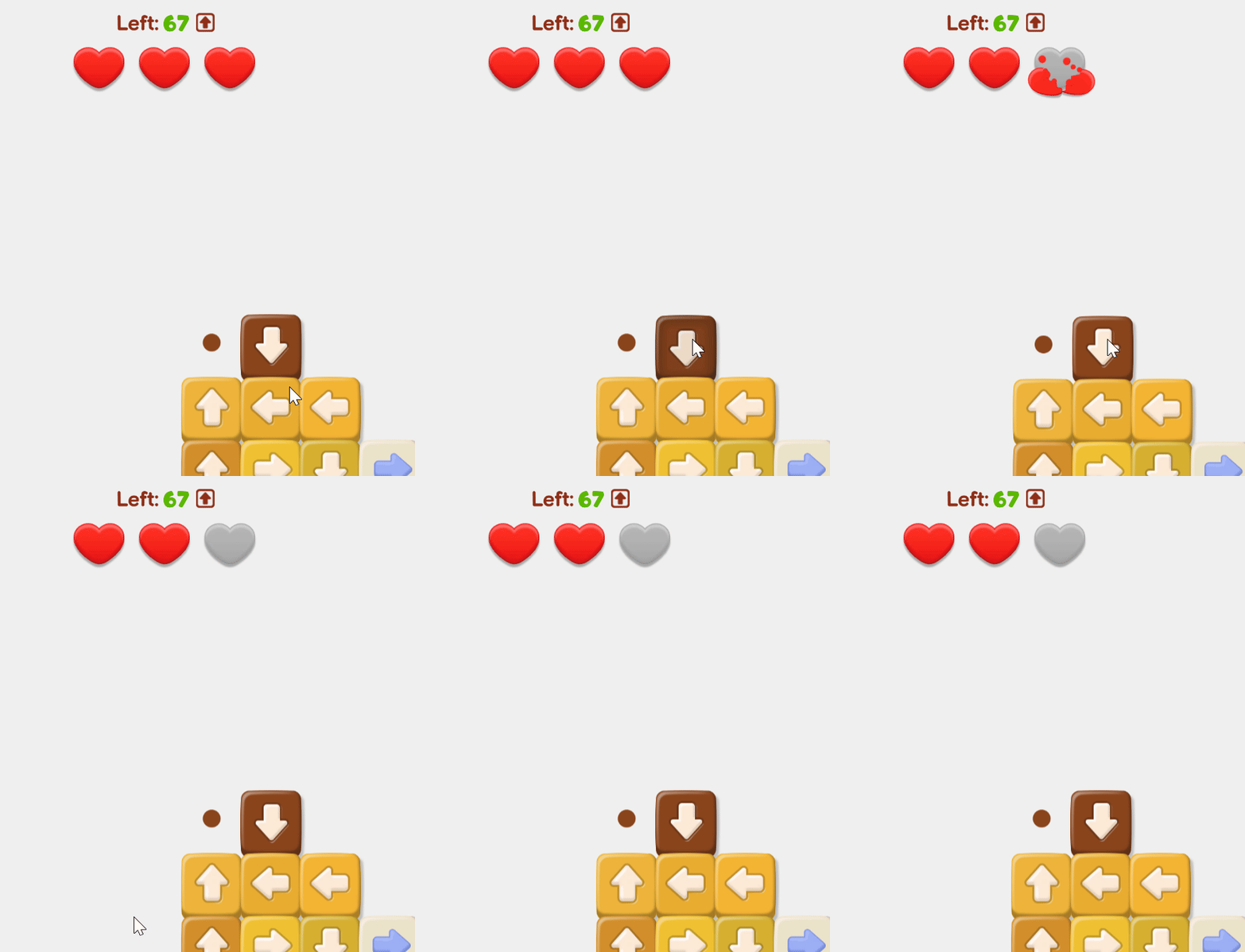
On top of each level, you'll see how many tiles are left, and the life bar.
When making wrong choices on the tiles and choosing one that is blocked by another tile, you will lose one life.
You can zoom in and out of the puzzles by using the plus and minus icons on the left. You can also use your mouse's scroll wheel for this.
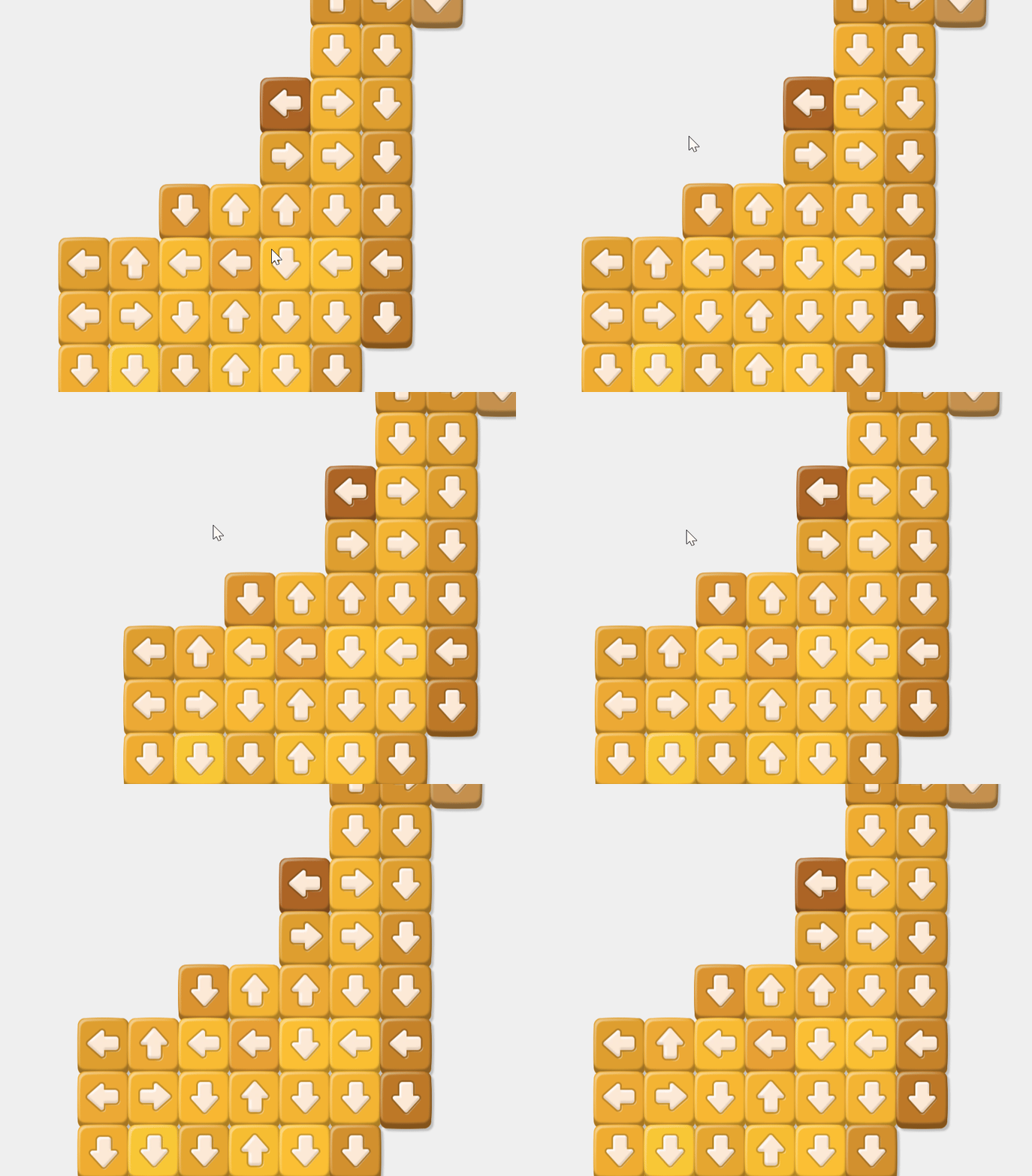
To move the puzzle around while zoomed in, just click on an empty area and move your mouse around while having the button clicked. You can also do this by tapping the screen if you're playing on a mobile device.
If you're confused over what to do, you can use a boost.
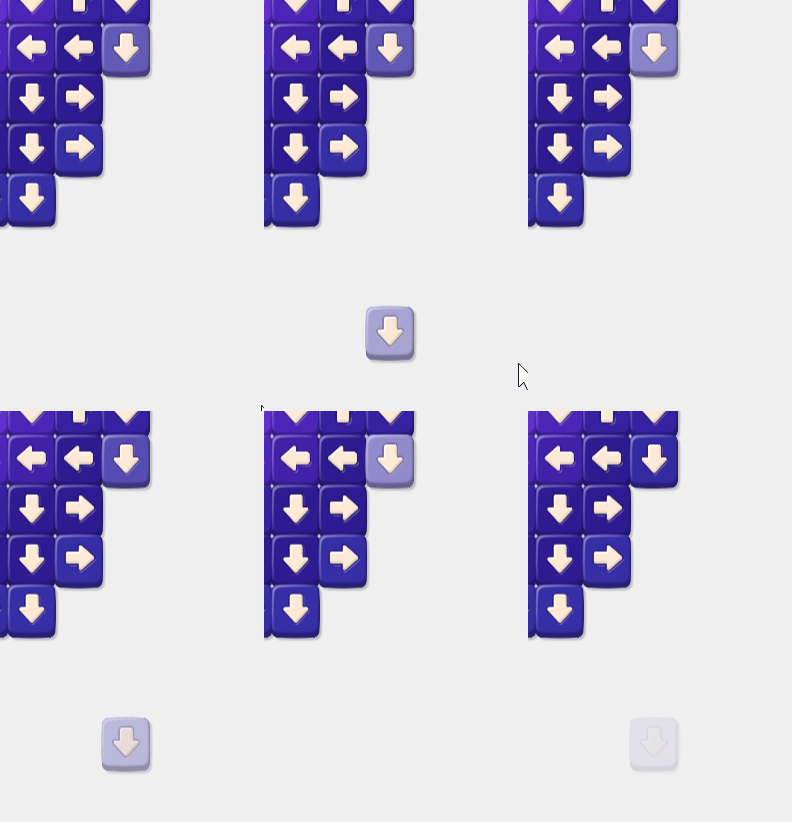
The Lightbulb will let you know the next move.
You will see the next move you can do through a small animation in the puzzle, as seen below.
The Bomb will clear a lot of tiles at the same time.
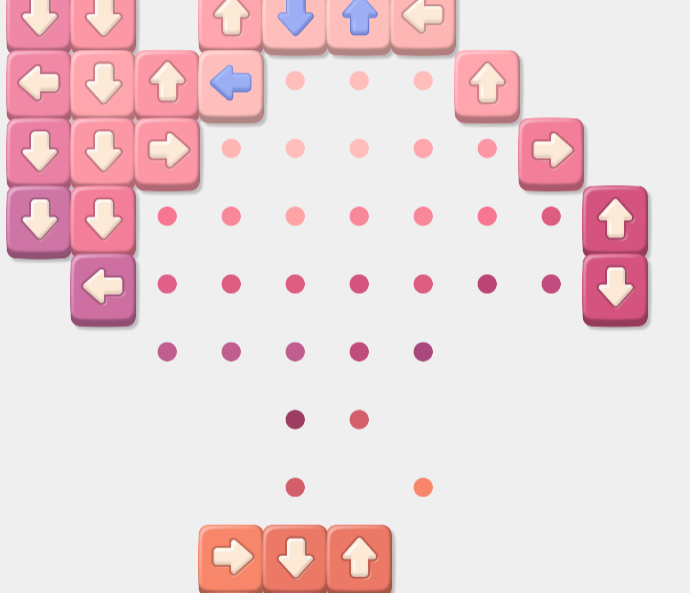
A lit bomb will appear in the middle of the puzzle, taking out a lot of tiles at once, so that your puzzle becomes much easier.
After you've spent all of your boosts, you'll need coins to use them again. Coins can be earned in a variety of ways. From finishing puzzles, to daily bonuses, to using the in-game shop.
If you're unsure over what tile leads to which, you can turn on the game grid by clicking the Grid Button on the bottom right.

The grid view will allow you to view all of the intersecting lines the game has in regards to each tile's arrow.
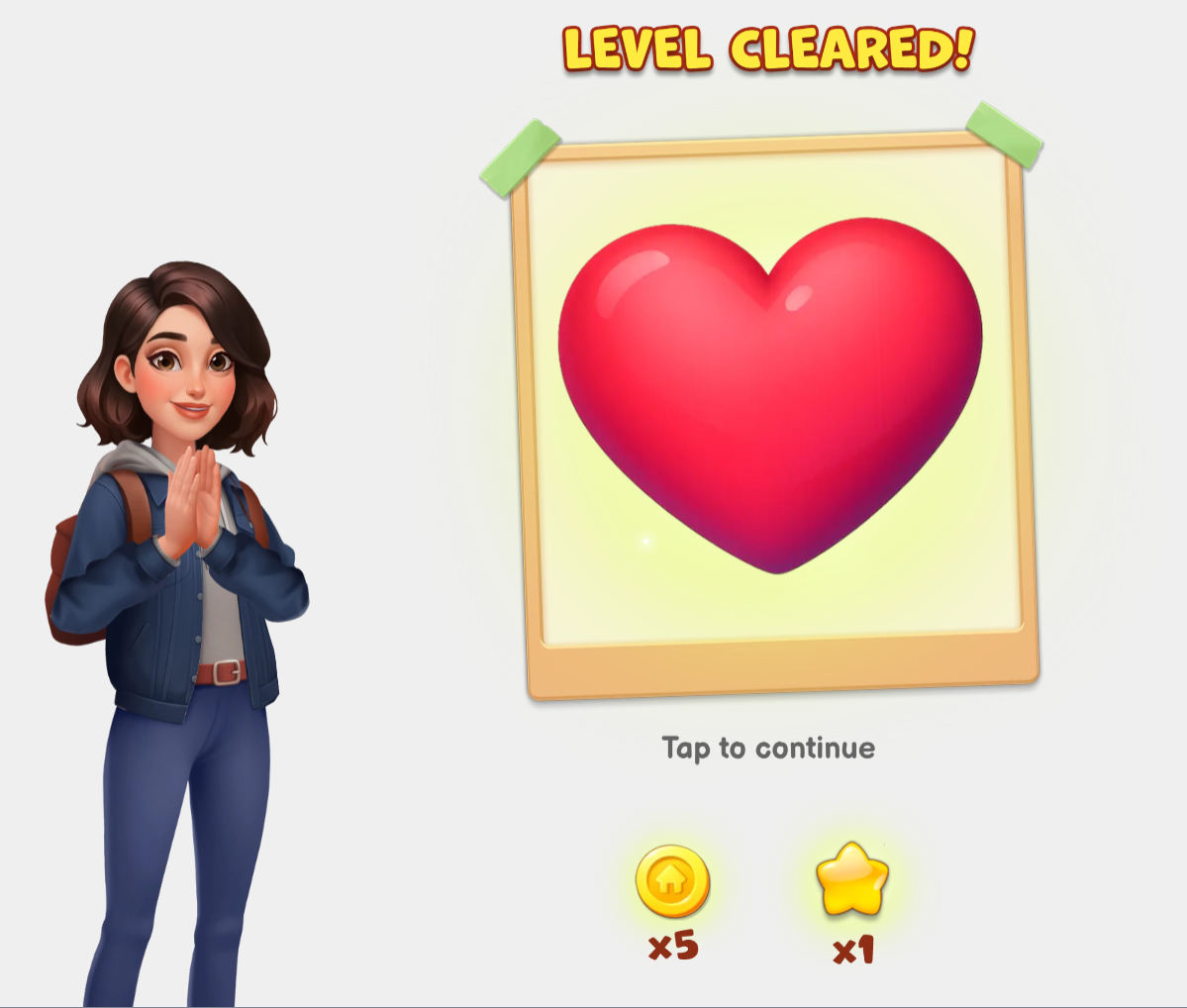
After you've removed all of the tiles, the level will be completed. You'll see an ending screen, as well as the rewards you've won for finishing the level. You can tap or click to continue.
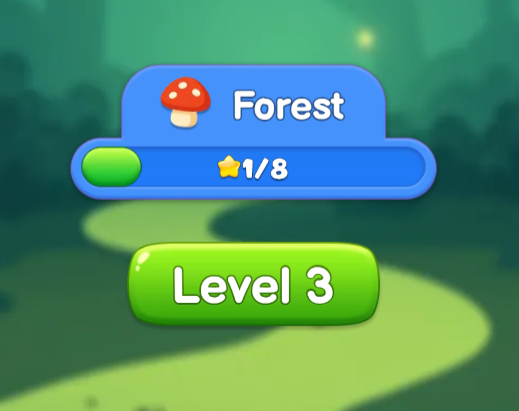
After playing a level, you can choose to keep playing or to play an earlier level you've completed before. This can be chosen from the main menu. You can see how many levels you've completed, the rewards you have left to complete in unfinished levels and the next level you have to play.
On the top left, you can find the Shop. Use it to obtain more coins.
You can use Gems to purchase coins at the shop. Deals will be displayed on the most cost-saving purchases.
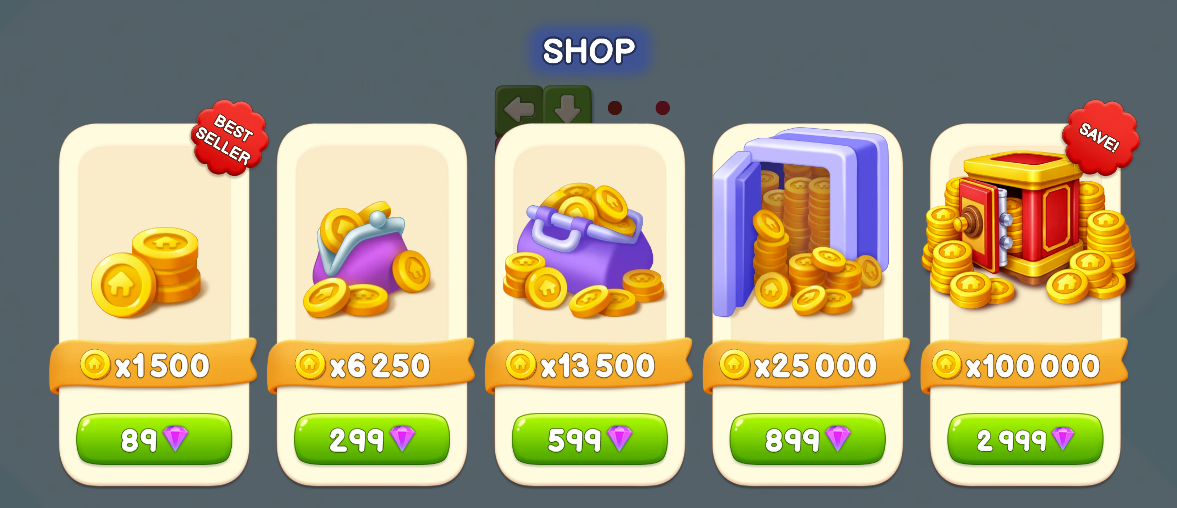
You can leave the shop by clicking on the X icon on the top right.

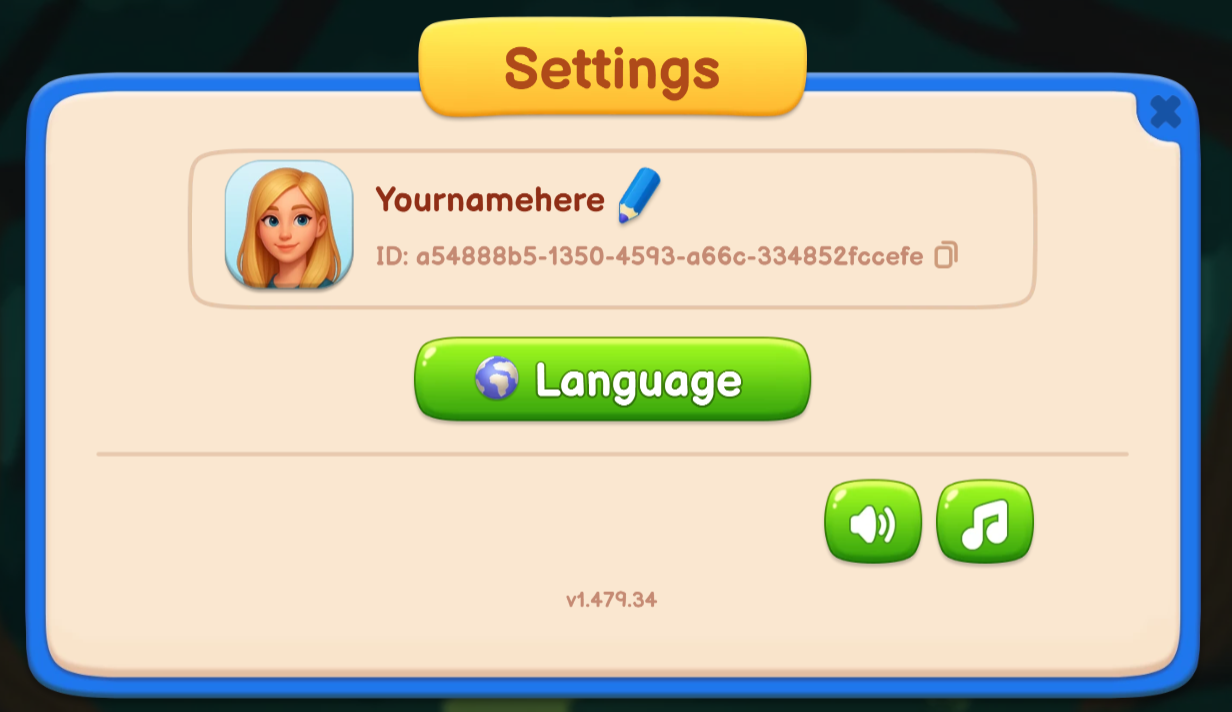
The Settings menu can be reached through the top right icon.
The Settings menu allows you to select your language, and mute the sound and music. Click on the X icon on the top right to exit back to the main menu.
Every day, you'll be able to pick out a bonus.
Pick a balloon and there will be a bonus waiting for you.
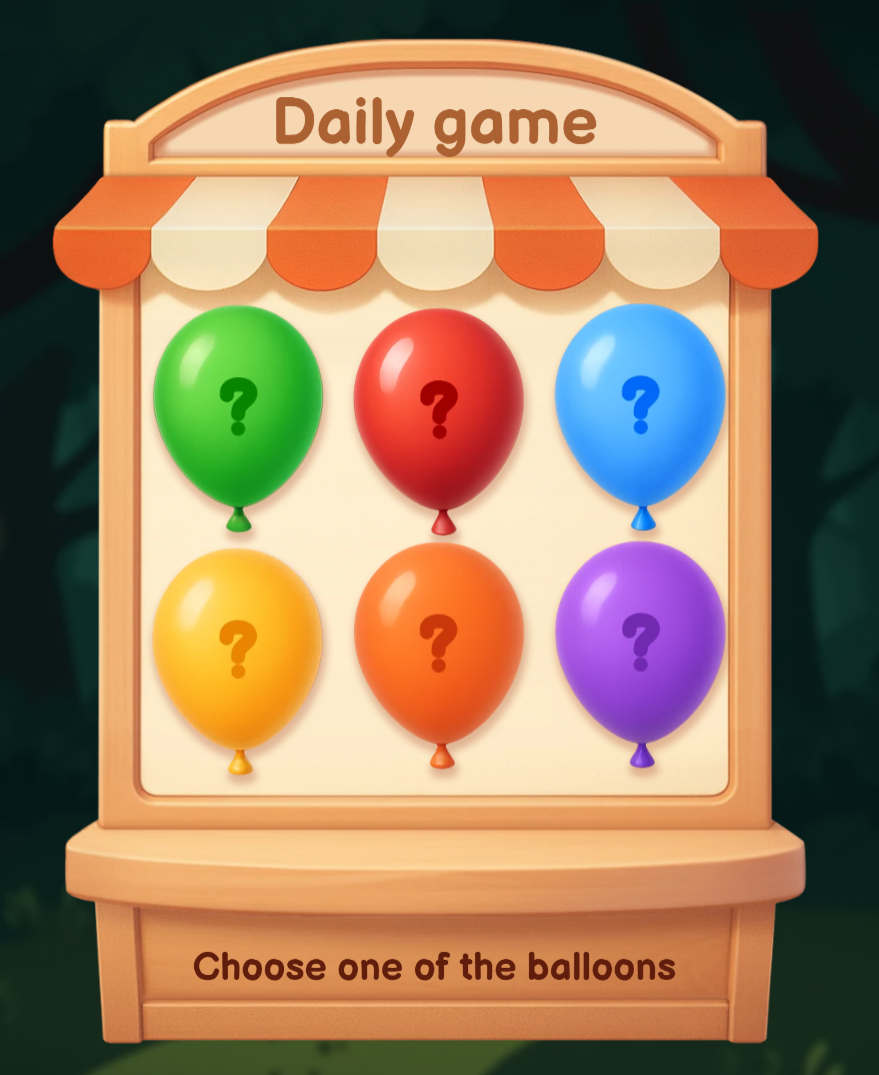
After you've picked the balloon, the bonus will be shown.
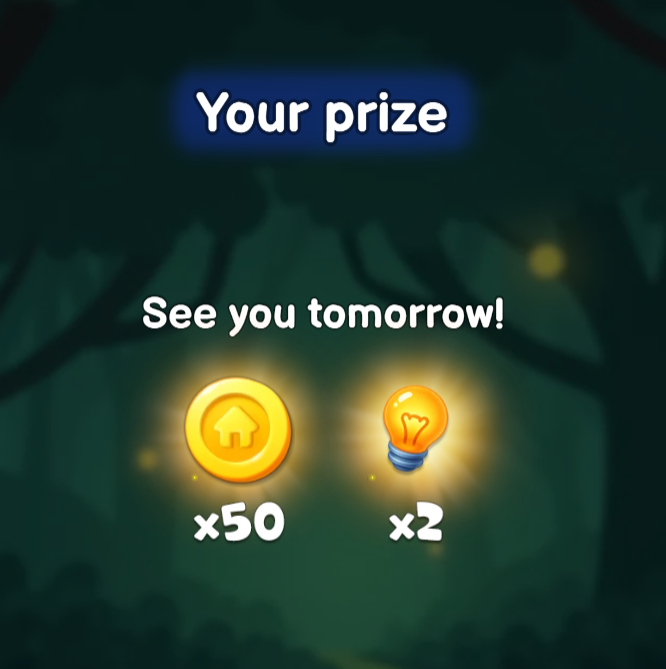
After collecting the daily bonus, you'll see a timer on how long you need to wait until the next one.
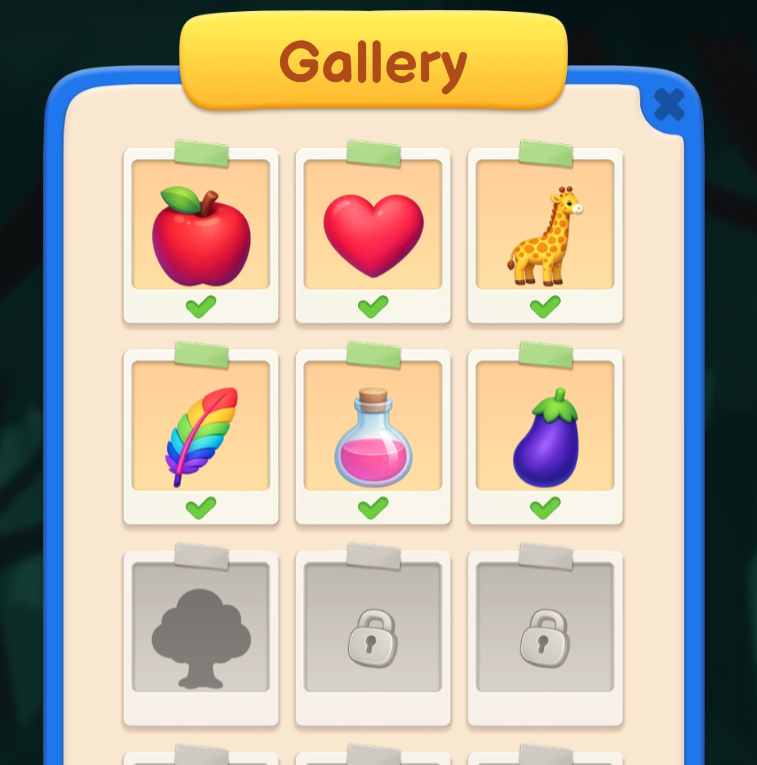
In the Gallery, you'll be able to see the pictures you've unlocked.
Browse through them in the gallery menu.
Tips
Here is how to perform better at Sort Tiles:
1. Find the Right Angle
Make sure to explore the whole structure. Turn on the grid view if you need to and you'll find the one you're supposed to unblock.
2.Take your Time
The game has no time limit, so take it easy and choose the right tile. No need to waste a move unnecessarily.
3. Use Boosts Wisely
Make sure to use boosts such as the Bomb in tough puzzles so that you can take a big amount of blocks at once.
Scoring
Sort Tiles has no scoring system. This game is meant to be a fun block-moving game, without a specific scoring system or leaderboard. The game is incompatible with the regular competitive Arkadium leaderboards, and it's meant for simple fun progression.