
This is a list of known in-game and site issues that are currently under investigation.
We are working on a solution to resolve them as soon as possible and sincerely apologize for any inconvenience you may experience. We will update this page as issues are discovered and resolved. Thank you for your patience and understanding.
If your issue is not mentioned here, please contact our Support Team for further assistance.
- ⚡ [BLACK BARS IN SOME GAMES]
- ⚡ [LOST PROGRESS]
- [CARD GAMES]
- [CANASTA]
- [MAHJONG SOLITAIRE 2: LEGENDS EDITION]
- [POT OF LUCK BUBBLE SHOOTER]
- [SMARTLE]
- [SPIDER SOLITAIRE]
- [STAN NEWMAN’S DAILY CROSSWORD]
- [WORD HUNT]
⚡ [BLACK BARS IN SOME GAMES]
* Black bars covering the game area: We are aware that in some card games and some other games, our players can face black bars on the screen, which break the game experience. We are actively working on finding a solution to this problem. Thanks for your patience with us.
⚡ [LOST PROGRESS]
* Lost saved data: We are aware of an issue affecting some logged-in players on arkadium.com. In several cloud save games (primarily Crossword, and Hurdle games) some long-time players may experience lost saved progress. This issue mainly affects players who have been playing these games on our website for a long time, for example, over several years. Our relevant team is aware of the issue and is currently investigating it. We will update this article as soon as more information or a fix becomes available.
[CARD GAMES]
* Banned from multiplayer games: At times, a message may appear in different card games we host (Euchre, Spades, Canasta, Pinochle, and Gin Rummy), saying "You're currently banned from multiplayer games".This may occur due to different reasons, one of them being a poor connection or having disconnected from several matches in a row. This is so that other online players can have a regular game experience. Should you wait, the ban will be lifted in a short amount of time.

[CANASTA]
* Gameplay: Some players are unable to meld even when they have a complete canasta in their hand.
[MAHJONG SOLITAIRE 2: LEGENDS EDITION]
* Missing progress of daily challenges: We’re aware that some players are losing their progress after playing Daily Challenges, and competition checkmarks may disappear. Our team knows about the issue and is working on a fix.
[POT OF LUCK BUBBLE SHOOTER]
* Functionality: We are aware of an issue where some players are unable to receive the 10 moves reward (clicking the button link does not respond as expected). We appreciate your patience as we work on a resolution.
[SMARTLE]
* Scoring: We're aware that the score in the game is different from the score posted on the leaderboard. We're working on a solution and hope to have it fixed soon.
[SPIDER SOLITAIRE]
* Game loads previous match: We understand that the Spider Solitaire games have been loading previous progress in matches when clicking "Continue" instead of simply providing new ones, even when the matches have ended before. This occurs when the progress data has problems. You can delete the stuck progress by clearing your cookies.
[WORD HUNT]
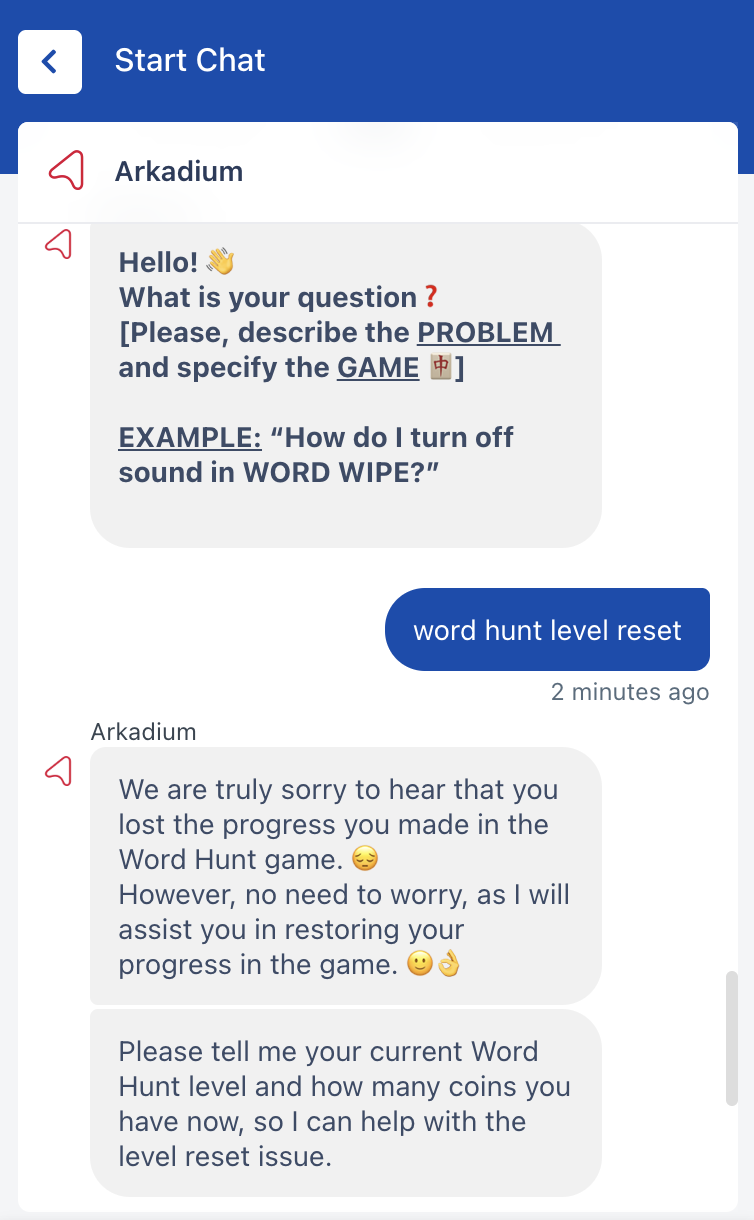
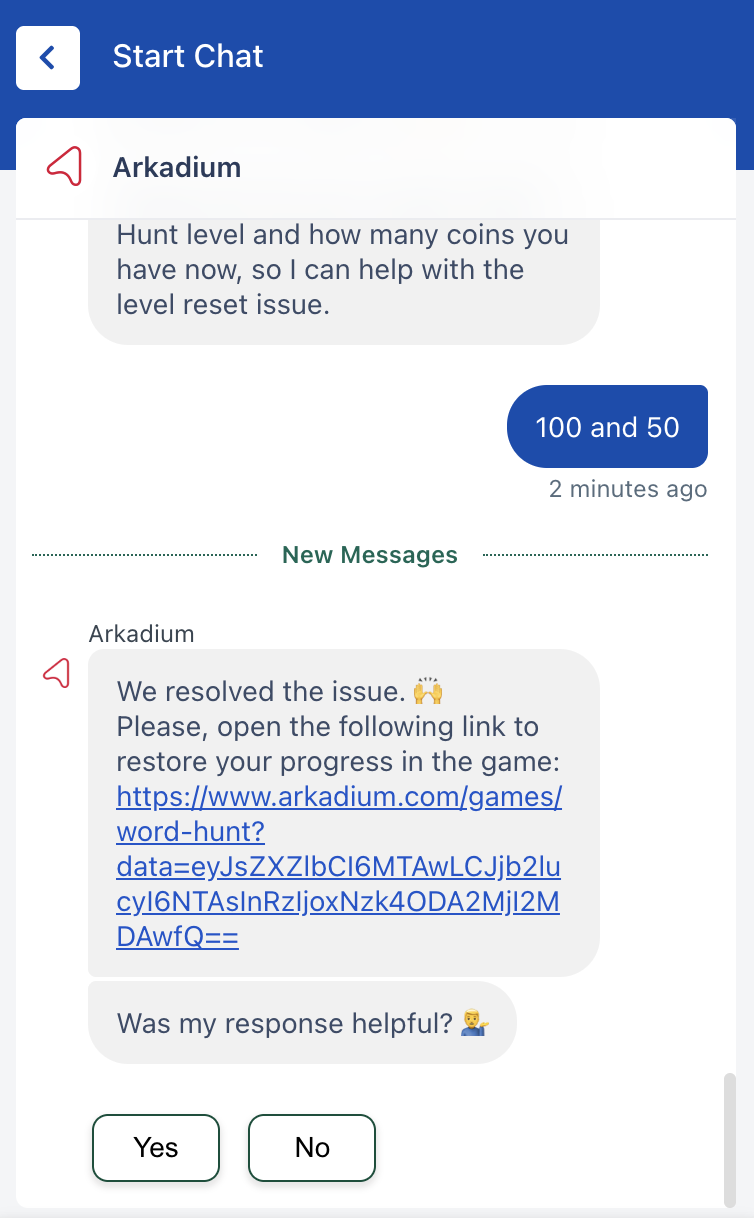
* Lost progress: We're aware that some players are losing their in-game progress in Word Hunt, causing the game to start from the 1st level. We have since created an automated system to restore your progress in the game.
Here is how to do this in just 5 steps: (If you are already in the chat - just type "Word Hunt Level Reset")
1. Open www.arkadium.com website.
2. Open support menu from any place on the website. You can find the button on the top right corner close to your account picture.
3. Find option 'Chat with us' and click button "Chat Now".
4. In the new pop-up click "Start Chat"
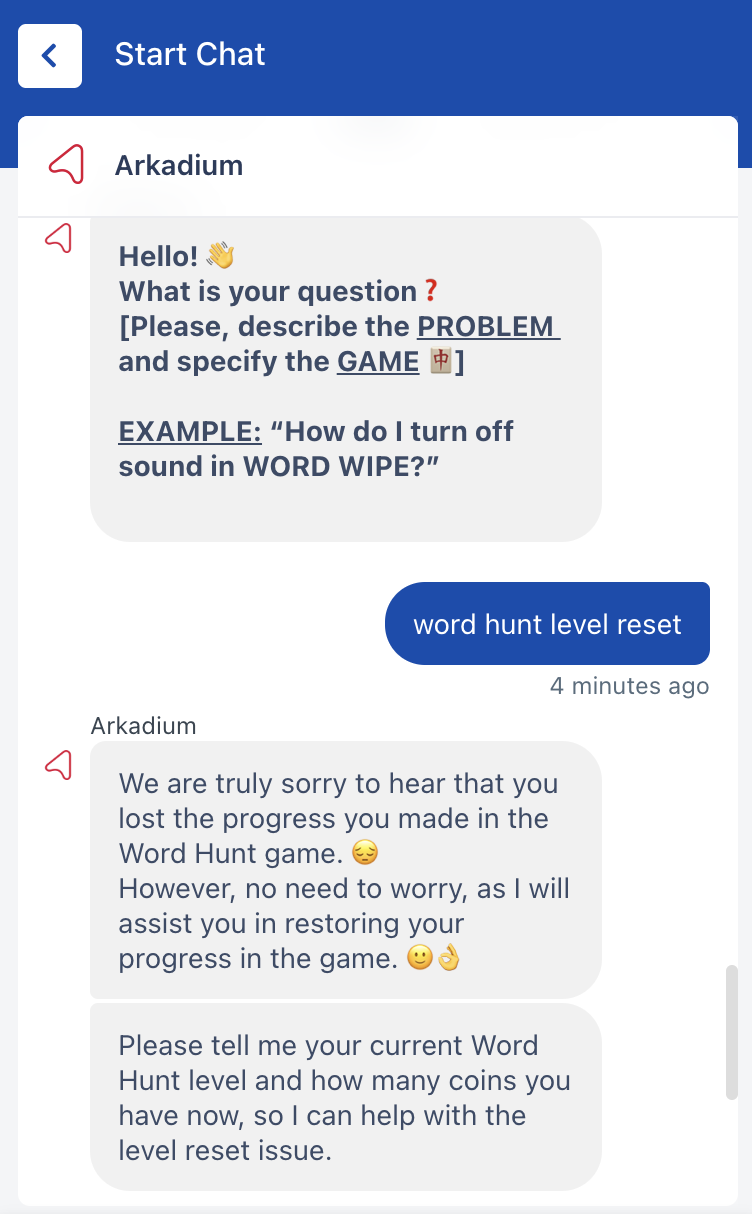
5. Type 'Word Hunt Level Reset'
6. Input the Level and number of Coins to restore your Word Hunt level.
If your issue is not mentioned here, please contact our Support Team for further assistance.