
This article contains everything you need to know about Arkadium’s Cut The Rope Game.
Use the list below to navigate specific topics about Cut The Rope.
How to play
Cut The Rope is a fun puzzle game where you cut ropes holding a piece of candy, so that it lands in the mouth of a little monster called "Om Nom".
You cut each rope by using your finger, or your mouse in a swiping motion. When a rope is cut, the rest of the ropes will act with proper physics, balancing the piece of candy as the motion allows. Cut each rope at the exact time to collect all the stars using the candy and feed Om Nom his delicious treat.
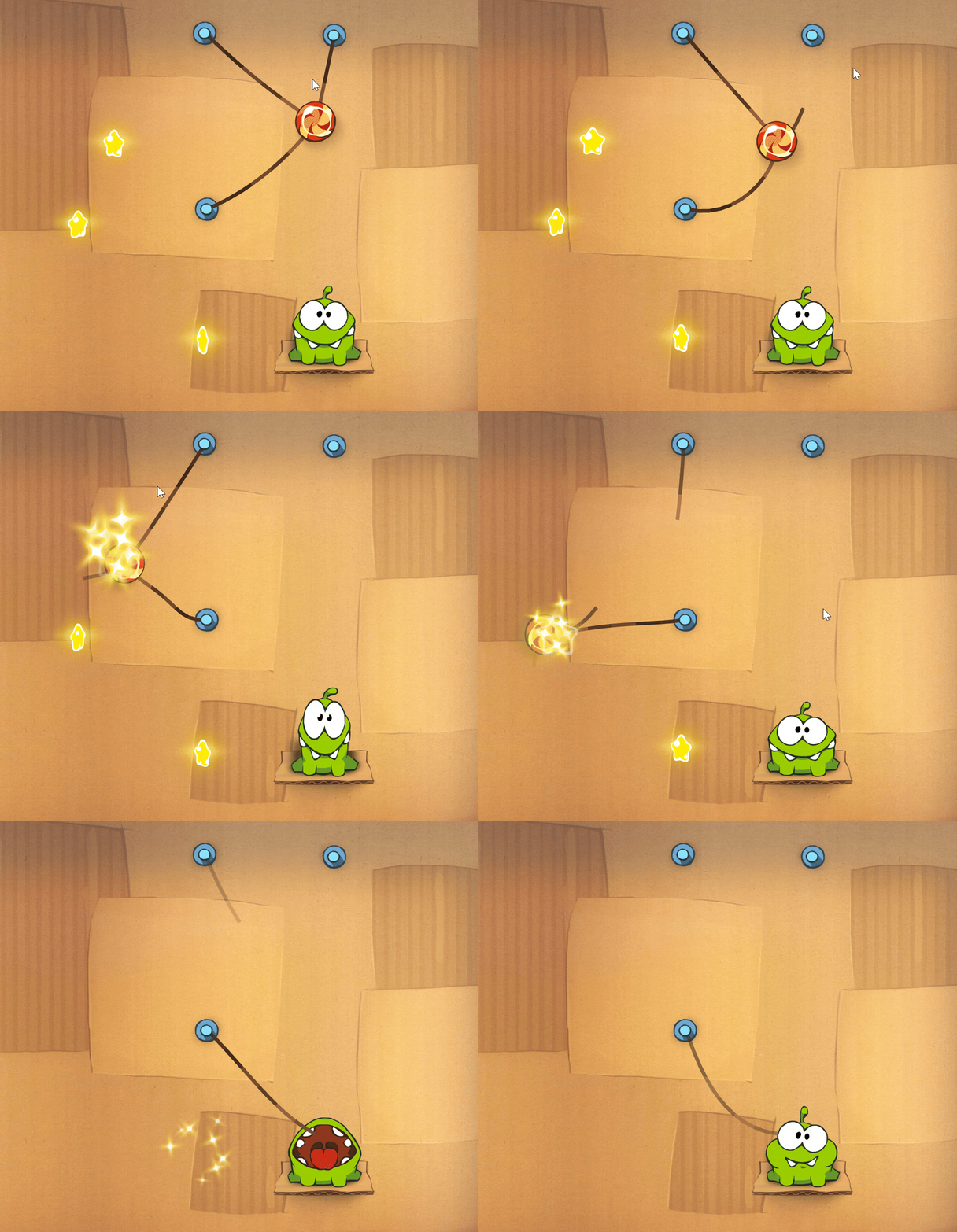
Each puzzle will increase in difficulty and provide you with tougher and tougher situations for you to use your mind to collect all of the stars with the roped candy and feed Omnom. Don't let the candy fall to the ground, or you'll lose.
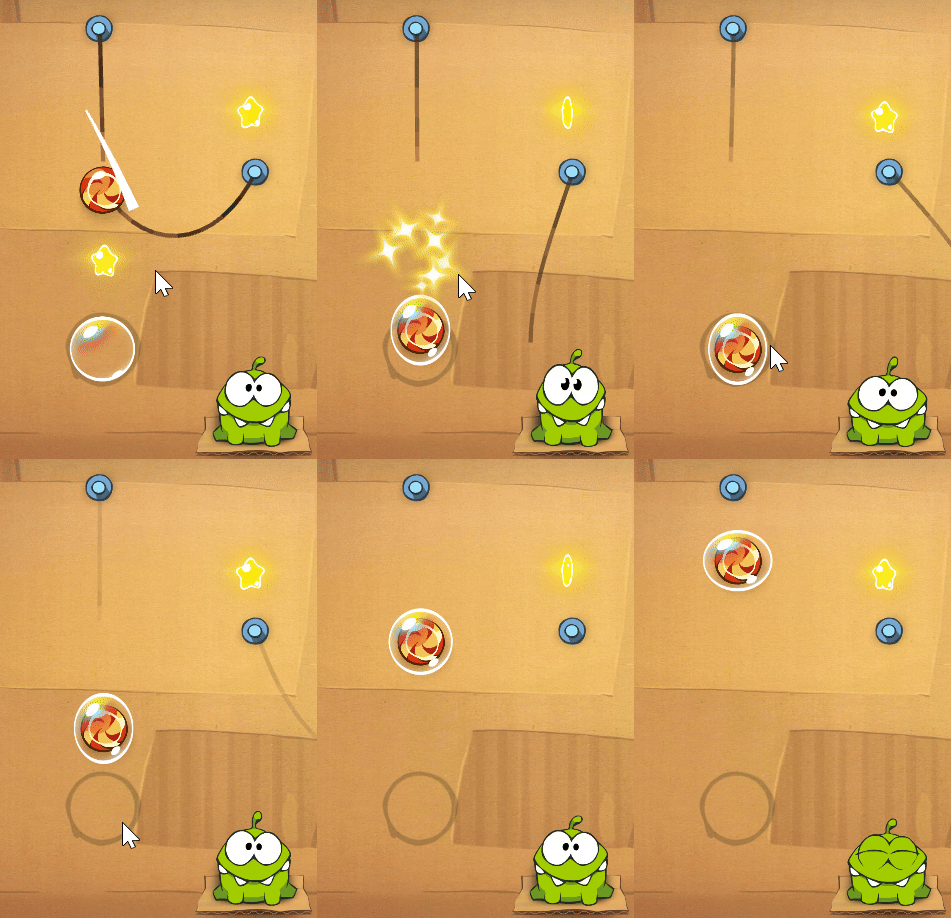
There are many other elements to the game, such as Bubbles. Bubbles will make your candy rise until they're popped. Don't let the bubble float out of sight!
Many other mechanics exist in the game, but we don't want to spoil them for you! Find them all!
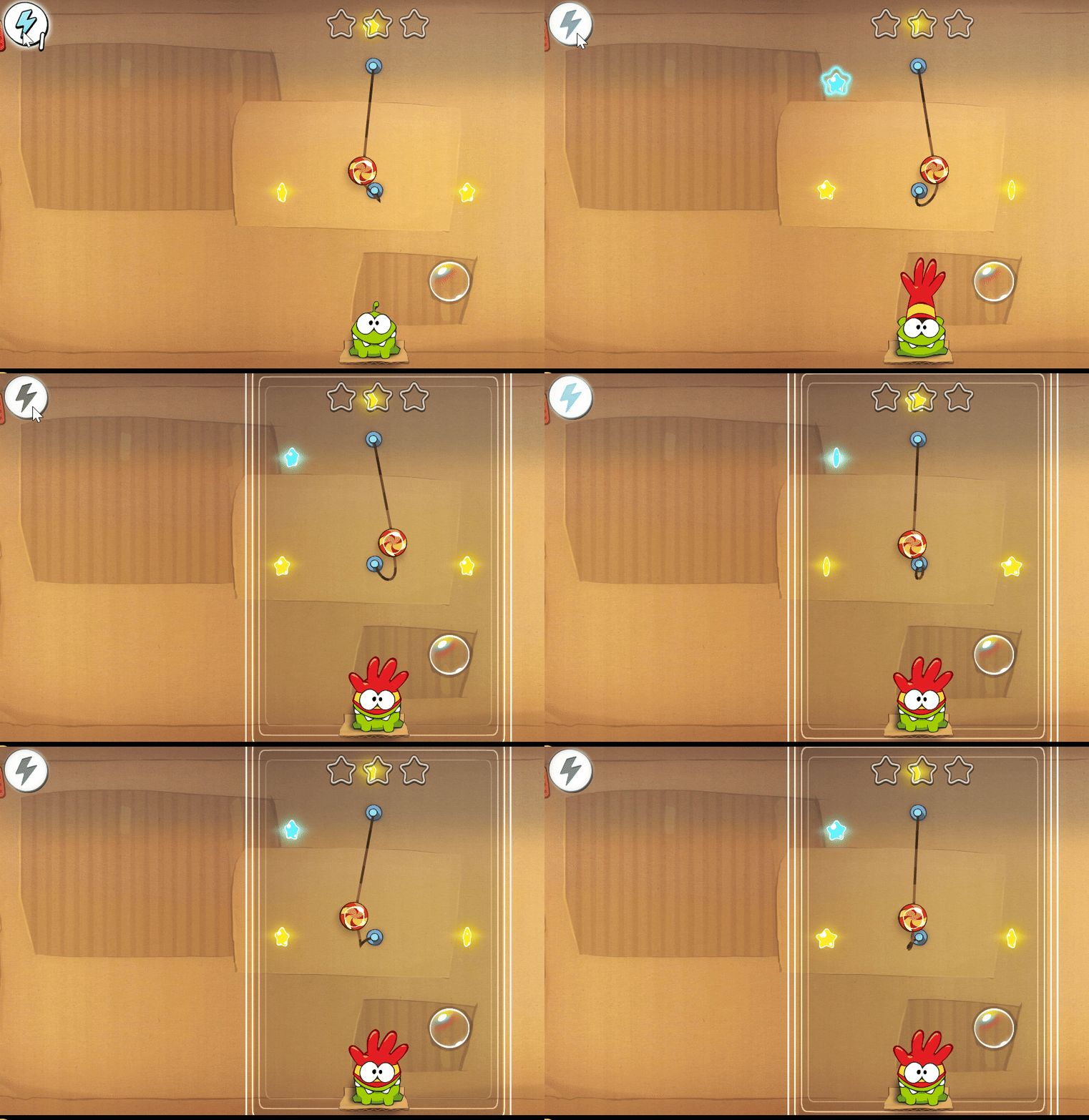
There are two boosts you can use to make the game easier. The magnet, and the lightning.
When using the magnet, your piece of candy will attract stars.
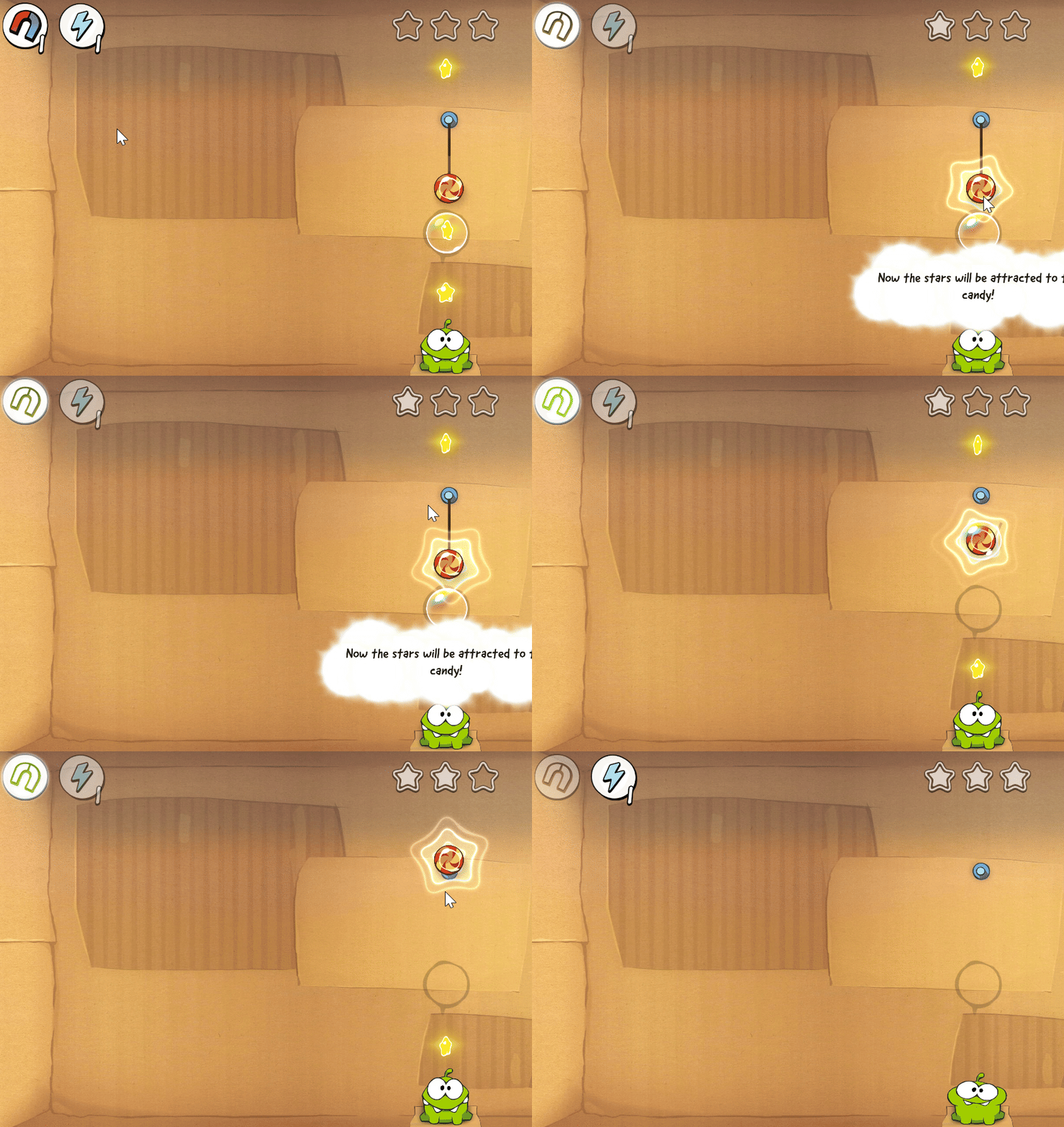
When using the lightning, a box will appear around the level. Your candy will not fall while contained inside the box.
After finishing a level and feeding Omnom, you'll see the stars you've collected, as well as options to check the picture album, go back to the level list, redo the level or choose the next level.

Here is how the game's features work:

- Boosts. These will help you through the level in exchange for watching an ad.
- Stars. All the stars you collect in the game will be collected here.
- Sound. By tapping these icons, you can mute the sound and music of the game.
- Redo. Click here to redo the level from the beginning.
- Pause. Pause the game here.
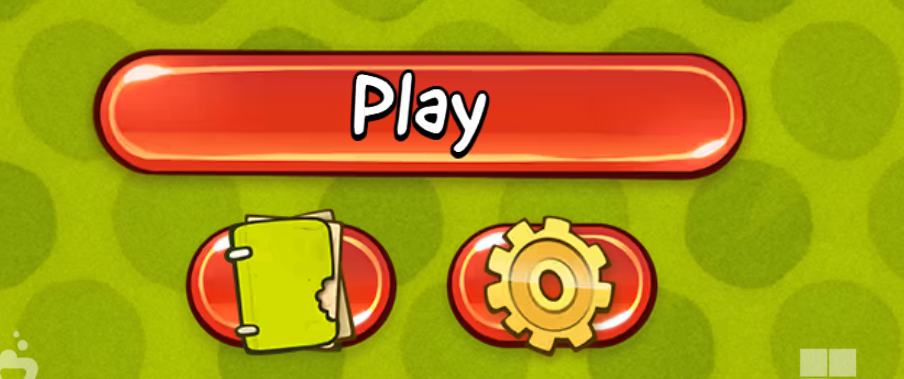
In the initial menu, you can start the game by clicking Play. Clicking on the book icon will access the picture album, and clicking on the cogwheel will access the settings menu.
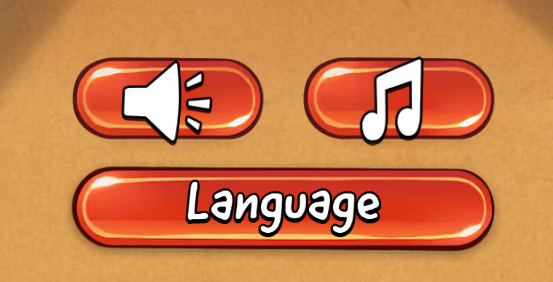
In the settings menu, you can mute sound and music, as well as change the language of the game.
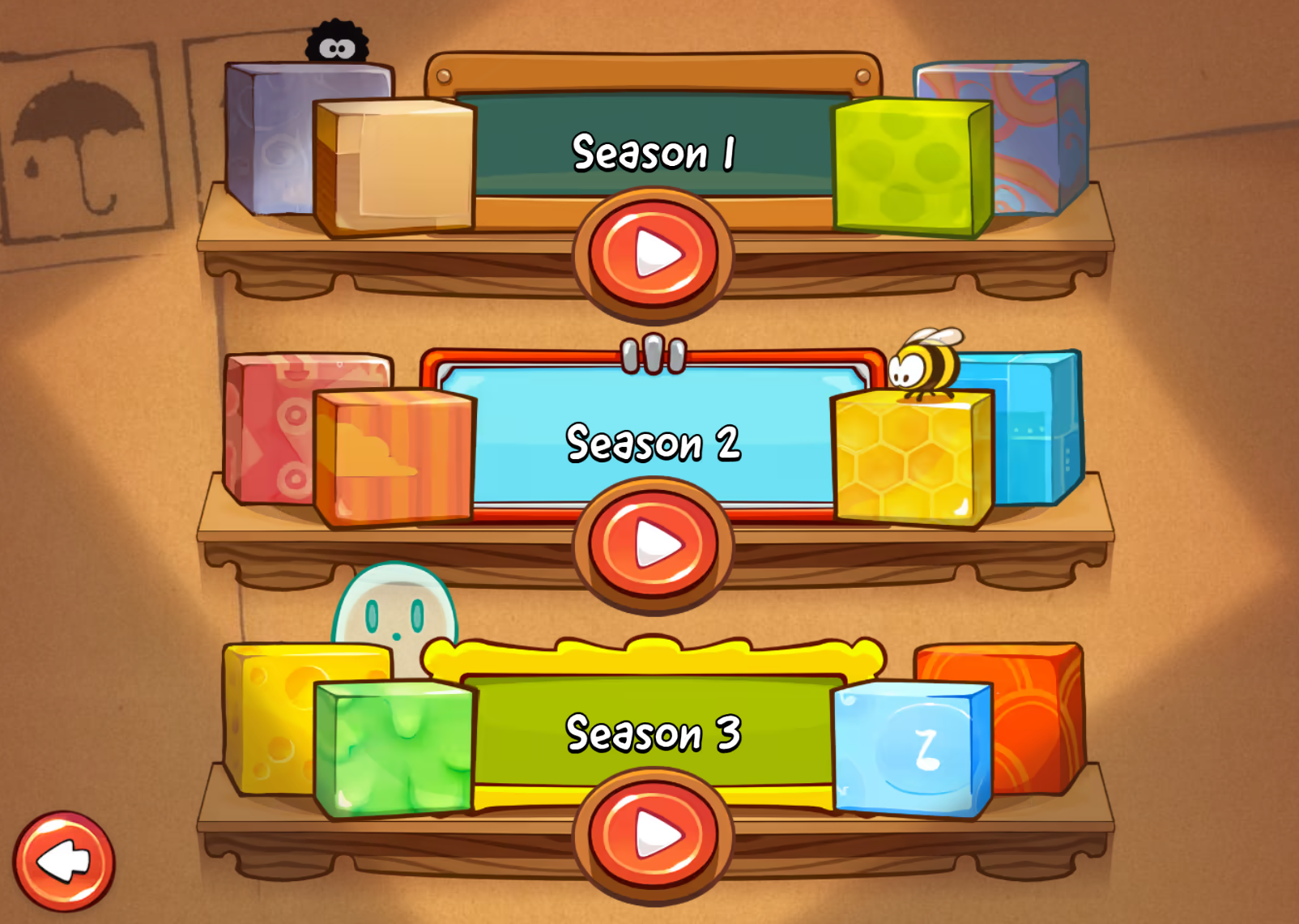
When clicking to play, you can choose between Seasons. Each season has several packs of levels. Choose any season you like.
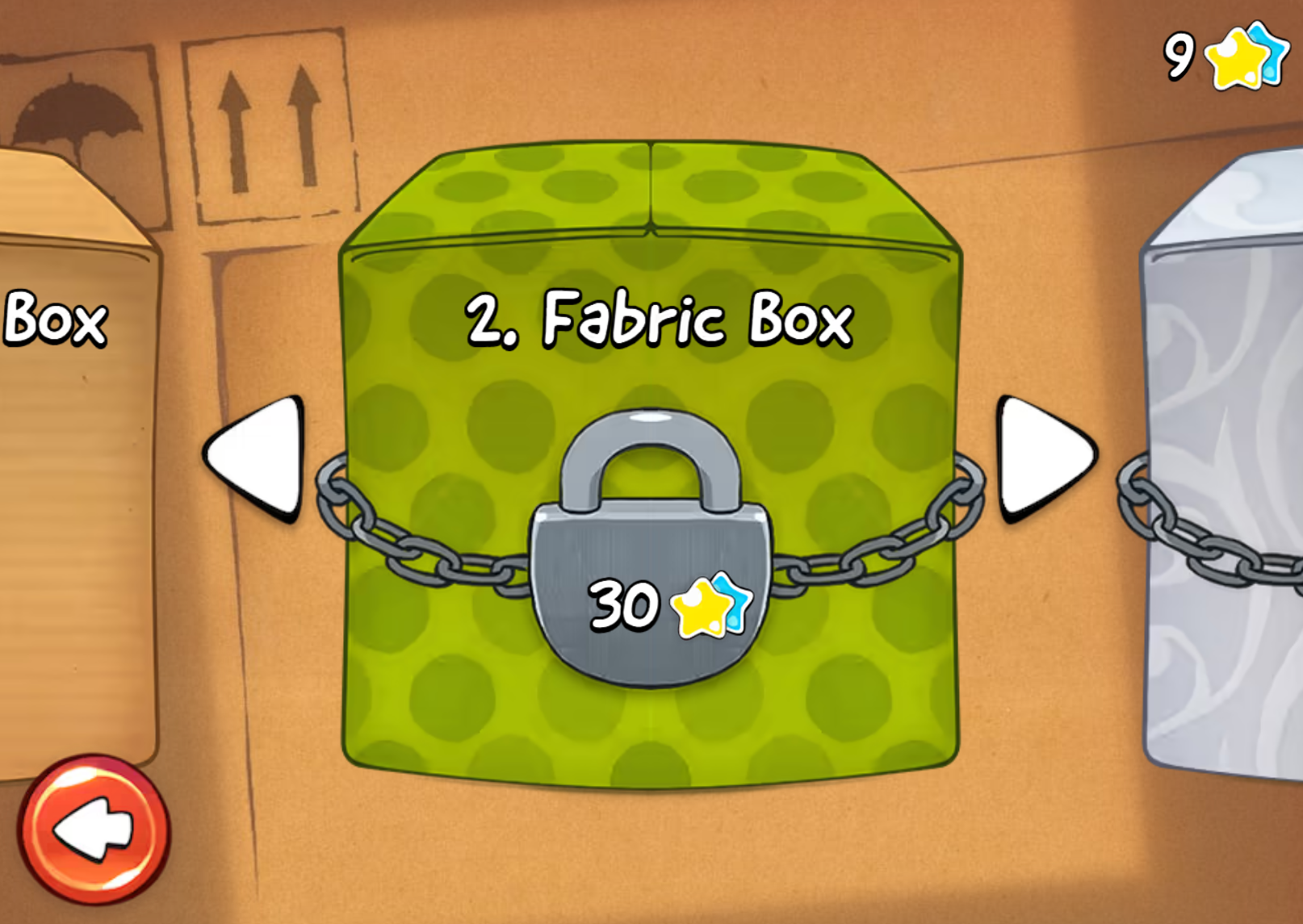
After choosing your season, you can choose a Box. Each Box has several levels. Boxes can be unlocked by collecting stars in the levels. Your number of stars can be seen on the top right.
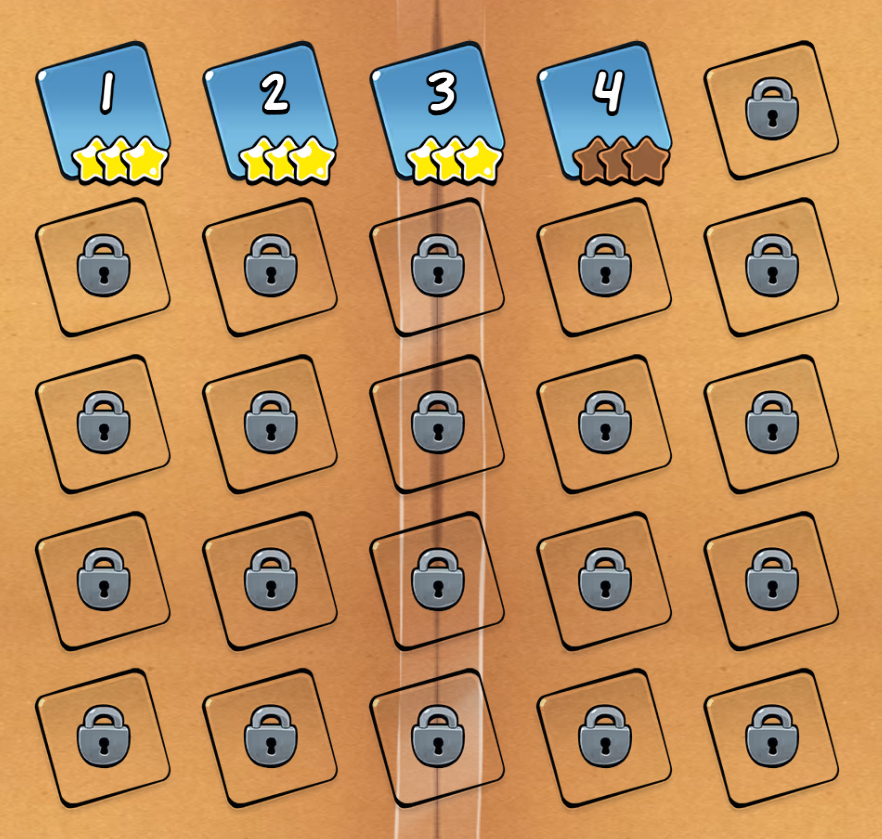
Inside each box, you're able to choose between levels. The levels you've finished will have the stars next to them, the unfinished levels will show you the stars you still have to collect, and all levels still left to unlock will have a lock in them.
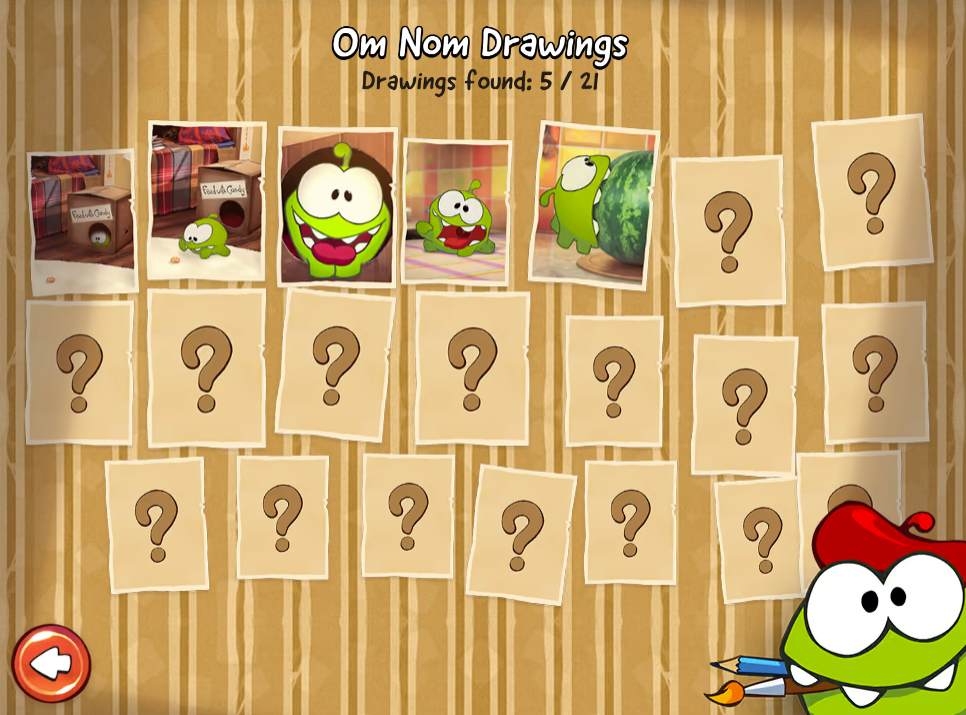
Inside the photo album, you'll be able to see drawings you've unlocked from beating the levels. Collect them all!
Tips
Here are some tips on how to perform better at Cut The Rope.
Cut in the Right Order
- The order you cut ropes can completely change the candy’s path.
- Try different sequences if you’re stuck—sometimes the last rope should be cut first.
Use Momentum
- Let the candy swing like a pendulum before cutting.
- A well-timed cut can launch it across the level and grab hard-to-reach stars.
Plan for All 3 Stars
- Don’t just aim to feed Om Nom—maximize your score by collecting stars.
- Some stars require indirect paths, not the obvious route.
Replay Levels
- It’s normal to complete a level first, then replay it to perfect your path.
- Focus on precision runs after you learn the mechanics.
Think Physics
- Gravity + swing + angle = success.
- Treat the candy like a real object: imagine how it would move in real life.
Remember all of these and you'll be a pro at Cut the Rope!
Scoring
The Cut the Rope game has no scoring system. There is no way to save score in the Cut the Rope game. This game is meant to be a fun puzzle game, without a specific scoring system or leaderboard. The game is incompatible with the regular competitive Arkadium leaderboards, and it's meant for simple fun progression.