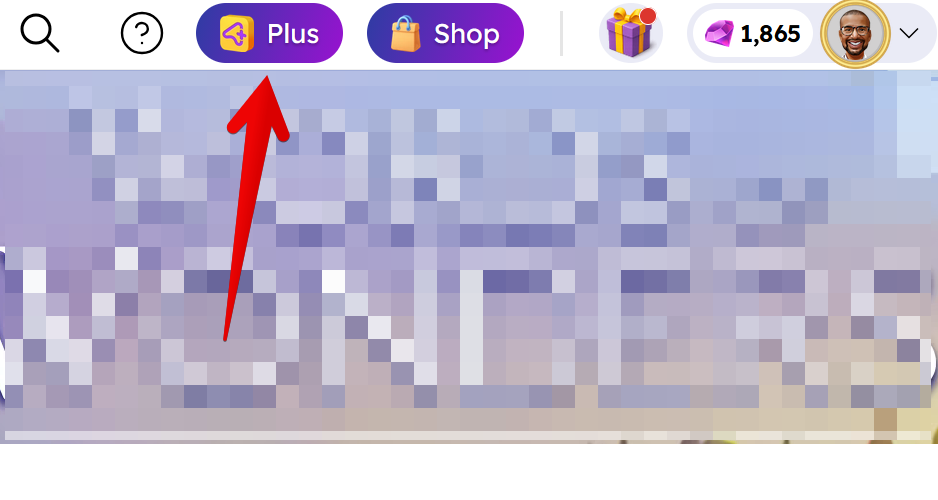
You can check the status of your Arkadium Plus Subscription on the website by clicking on the Plus icon in the front page. Make sure you're logged in and click on the top right, on the Plus icon.
After which, the subscription page will appear. You'll see when your subscription ends, and you'll have access to a menu in order to renew it.

You can also check the status by using our bot.
First, open the Chat menu on the bottom right of the Support page. (The bot can also be accessed through the main Arkadium.com page by accessing the Support section on top and selecting "Start Chat")
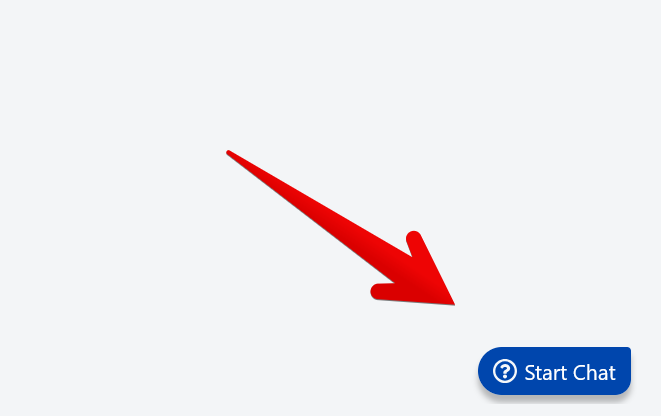
Once you do, click on "Start Chat" to start talking to the bot.

You can then ask the bot anything. In this case, we're typing "I want to see my subscription status" on the bot, and clicking the right arrow to submit. The bot will then ask your e-mail. Provide it, and it will send a verification code to your e-mail address.
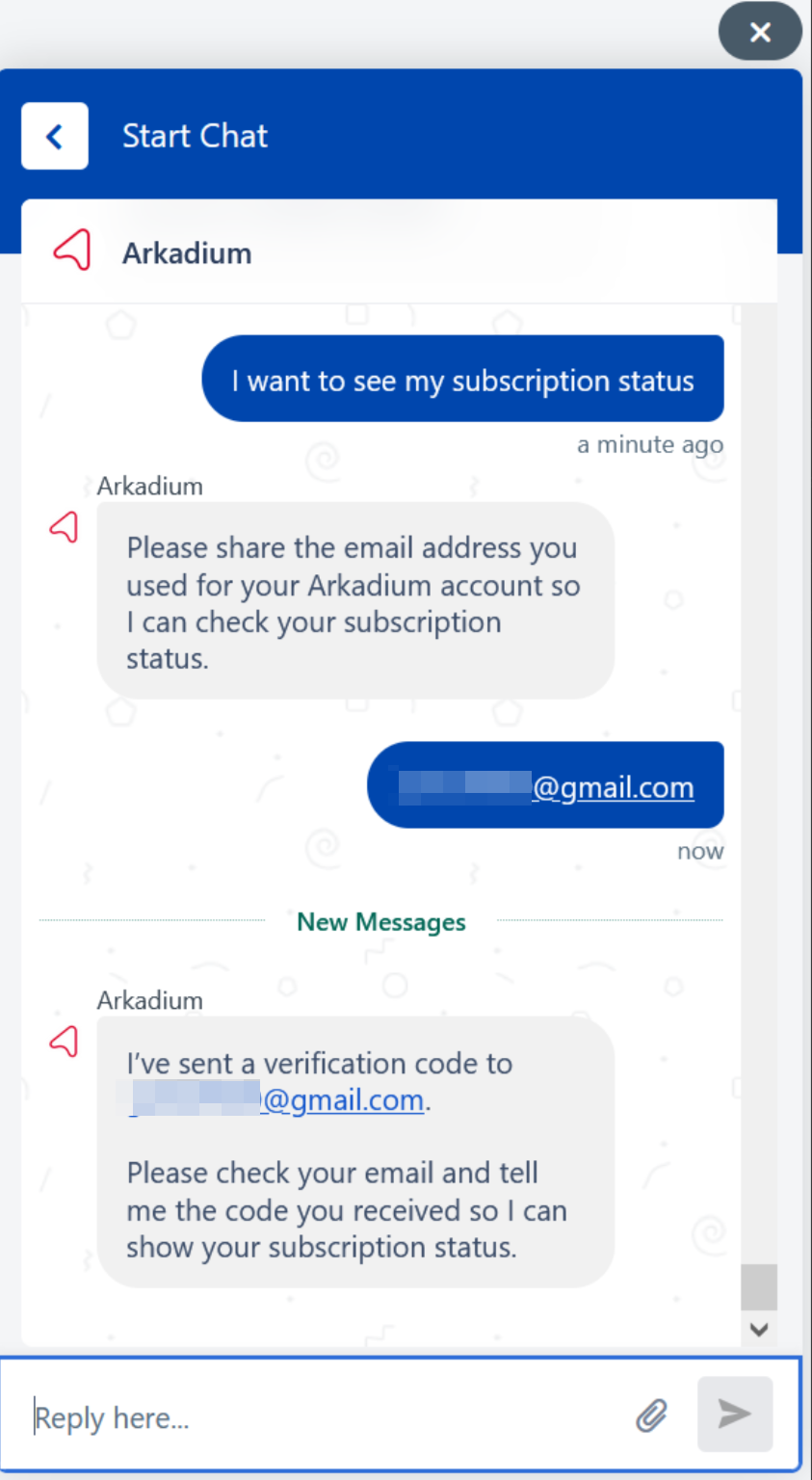
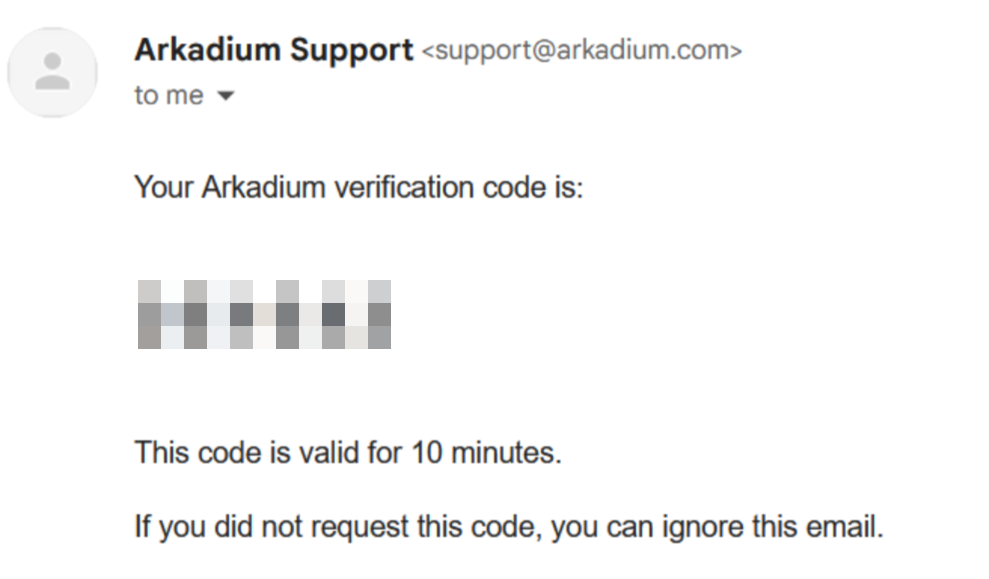
The verification code will arrive at your e-mail address. Please use it within 10 minutes, or else it will no longer be valid.
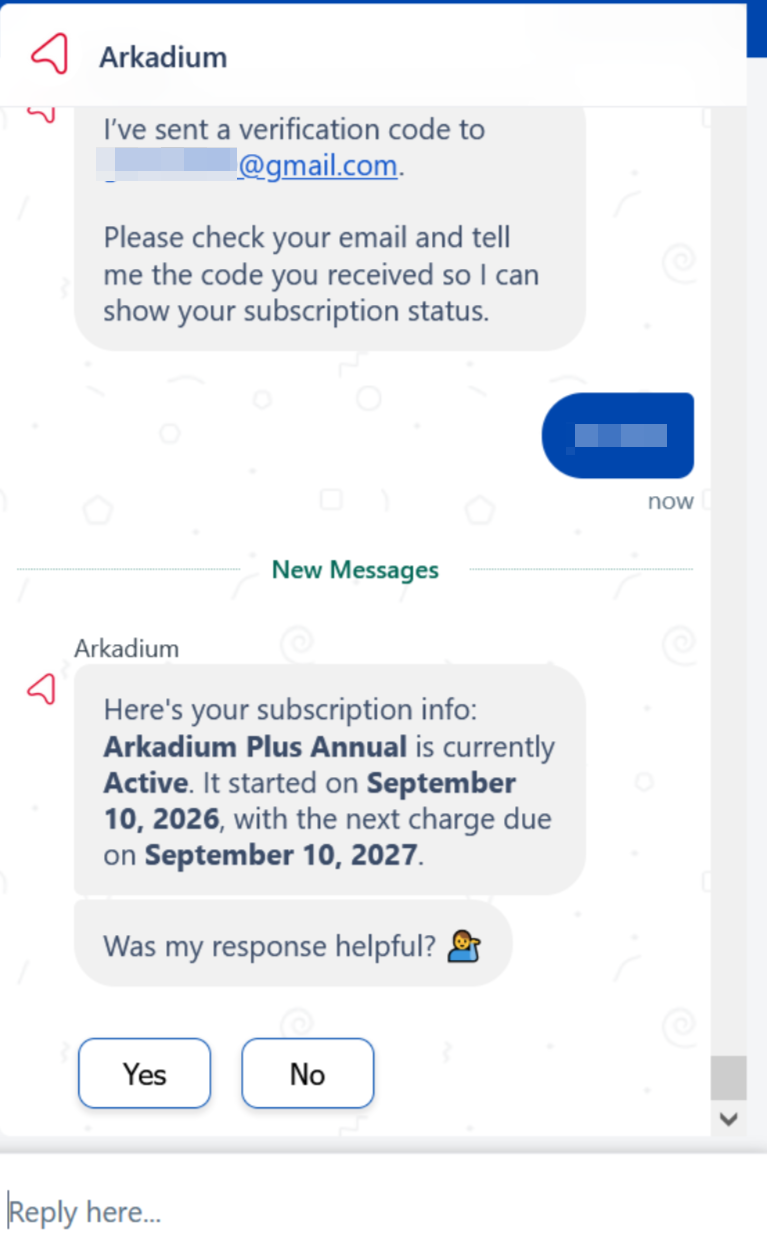
Once you've typed the verification code, it will provide you with the status of your subscription. It will say if it's active, when it started, and when the next charge is due.