Your Arkadium account has your birth date included in its information, so that you can receive a special gift on that date. Should it not be the correct date, here's how you can easily edit it:
First, make sure that you're signed into your account properly.
Click on your account icon on the top right of the screen and in My Profile on the dropdown menu.
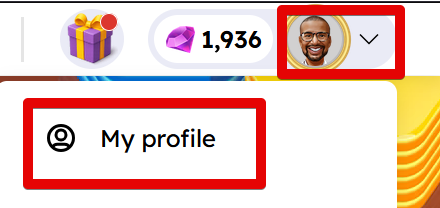
This will take you to your profile. If you're signed in right now, you can also click here to access it.
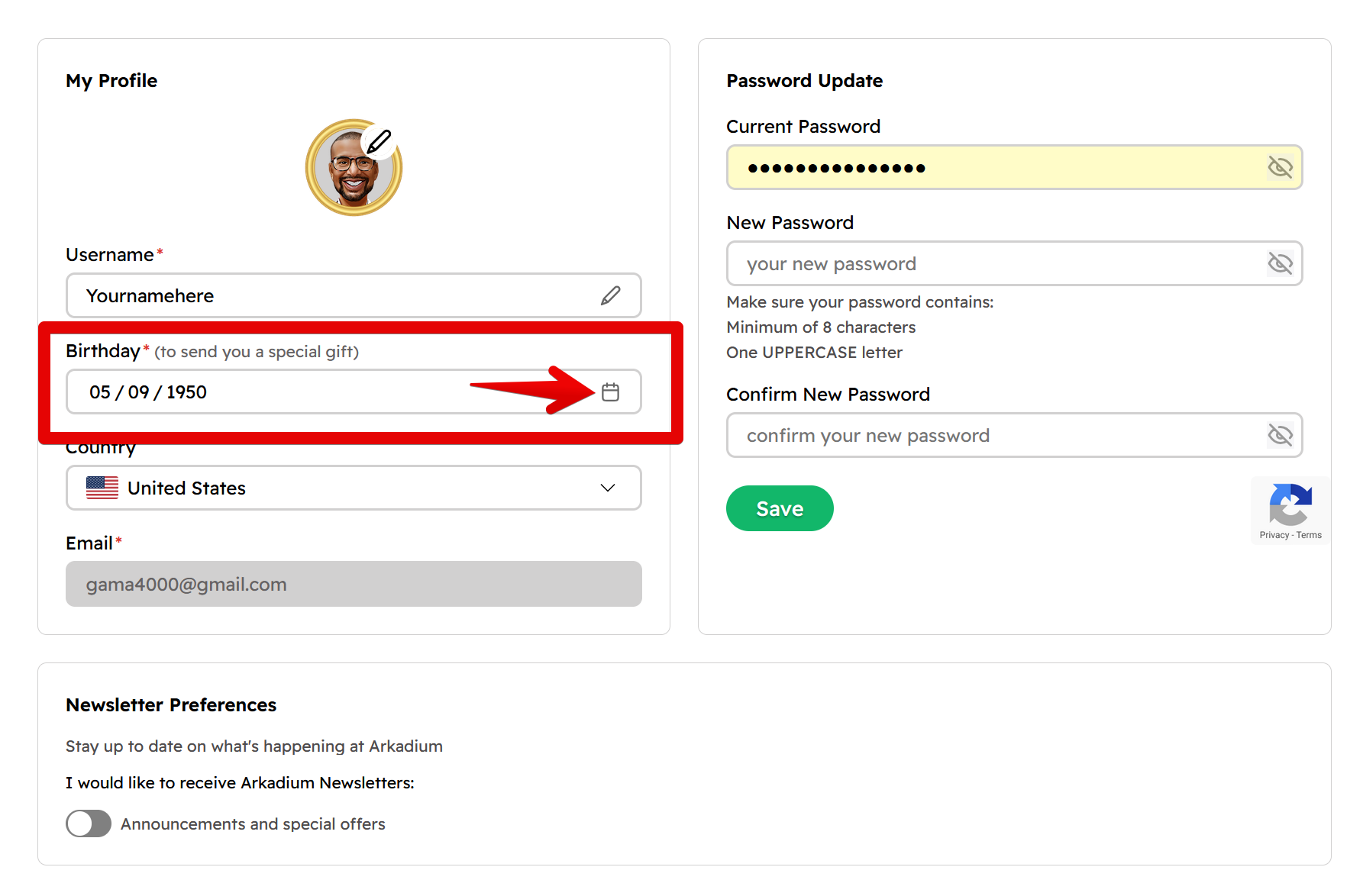
You'll see your birthday entry on the left of the screen. Click on the calendar icon to the right of it to modify it.
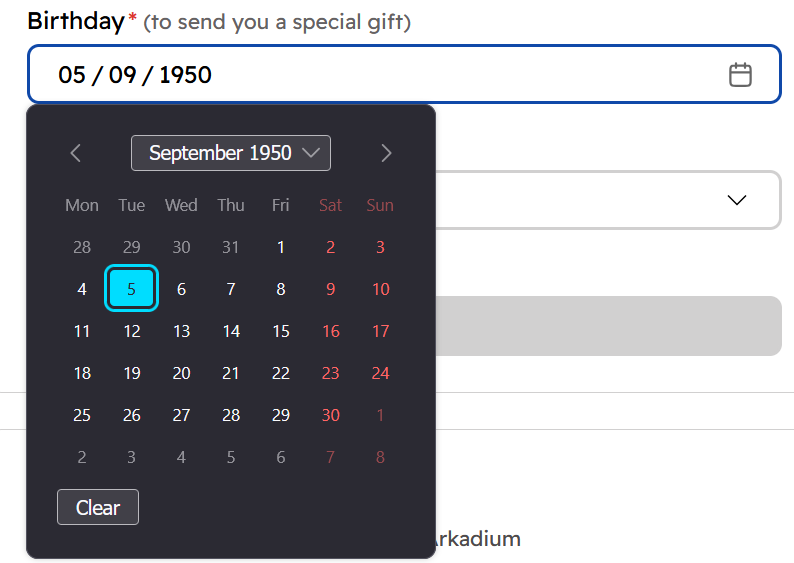
Then, all you must do is select your prefered date using the calendar.
Afterwards, make sure to click on Save on the lower right of the page to save your results.