
When clicking on any of the games, you'll access the game page, with the game featuring proeminently on the center of the page. It will feature ads to the left of the screen, and contain useful features below.
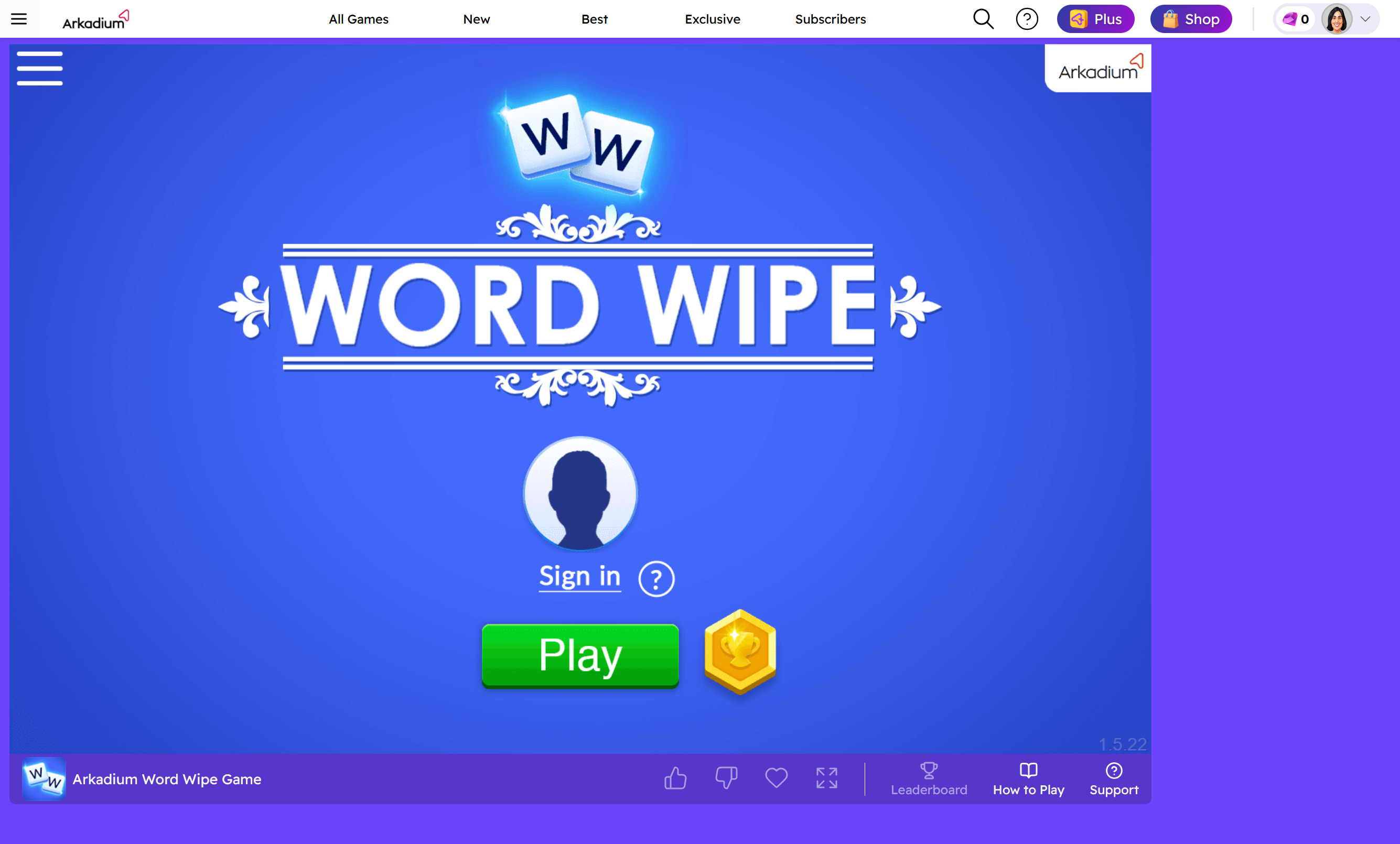
You'll also see a bar below with several options available. Likes and Dislikes are currently still under development. You can click on the Heart to select your game as a favorite. You can click on the Full Screen option to play your game using a larger view. This is exclusive to Arkadium Plus Subscribers.

There are also options to access the Leaderboards of the game, a quick How to Play Guide annd the Support Section.

By scrolling below, you can browse the Comments Section, the How To Play instructions and find out more About the game. There are also categories the game fits into, should you wish to explore them.
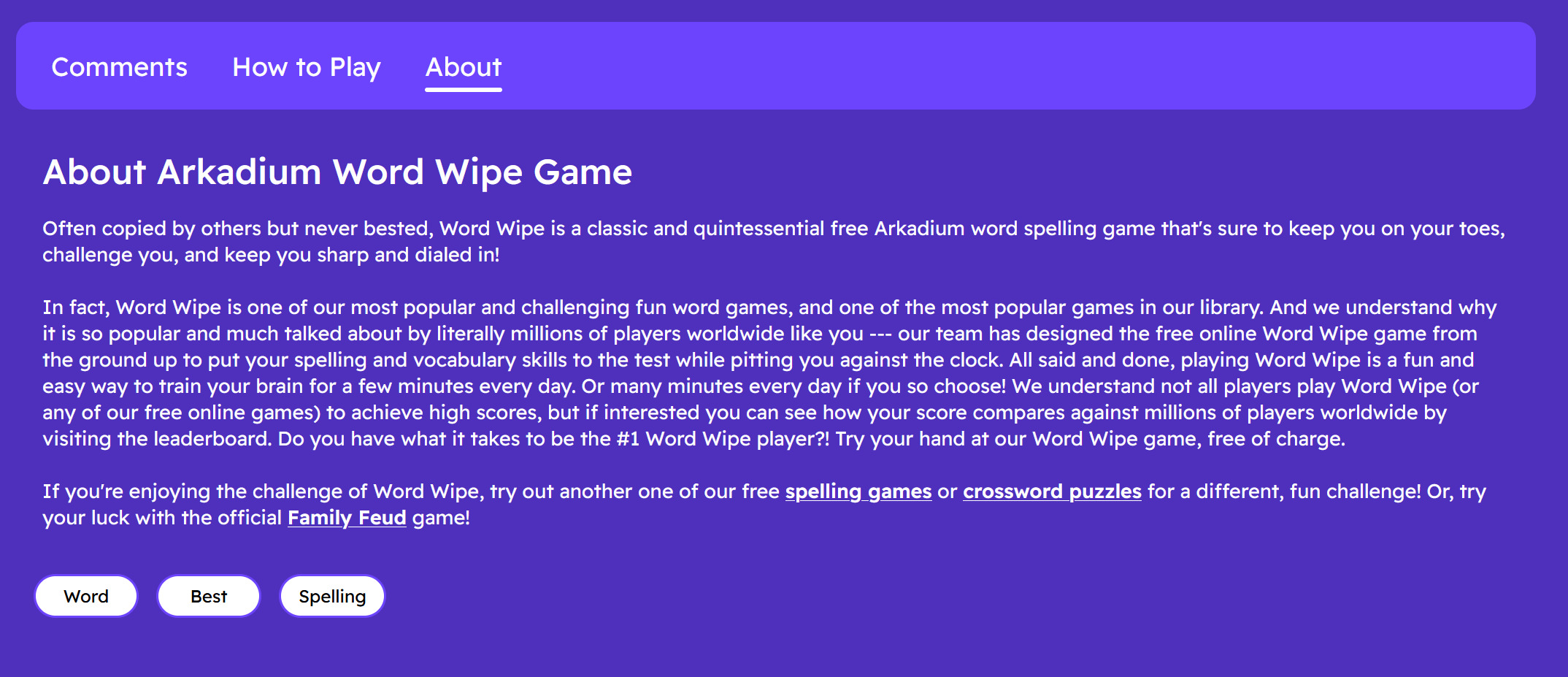
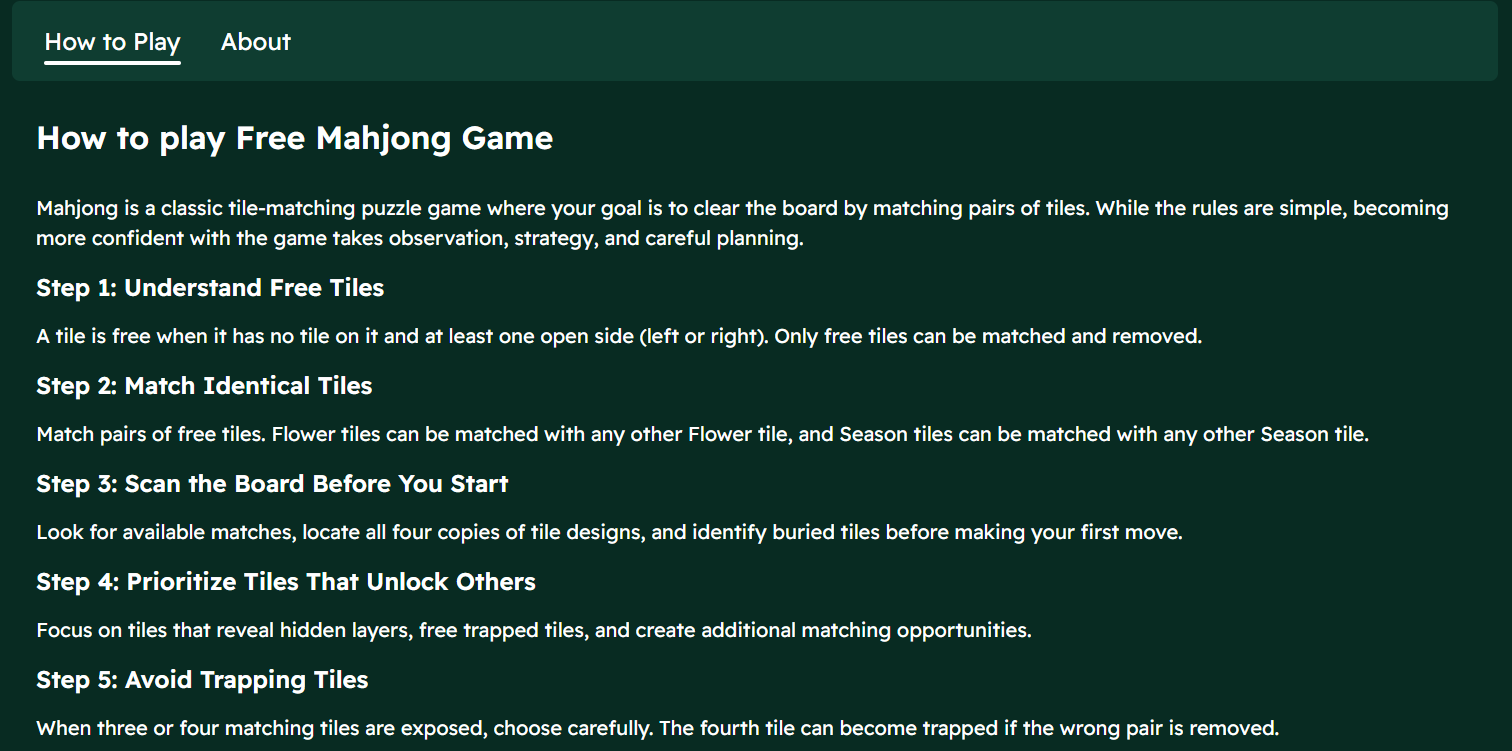
The How To Play instructions will display according to each game, with basic instructions. We still recommend consulting the instructions in the Support Portal if you'd like to check how to play each of the games on the website on detail.
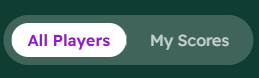
The Leaderboards will display the top 100 scores of each of the games. You can see all the way down to your own score, if you've played the game before. If not, it will display as 0.
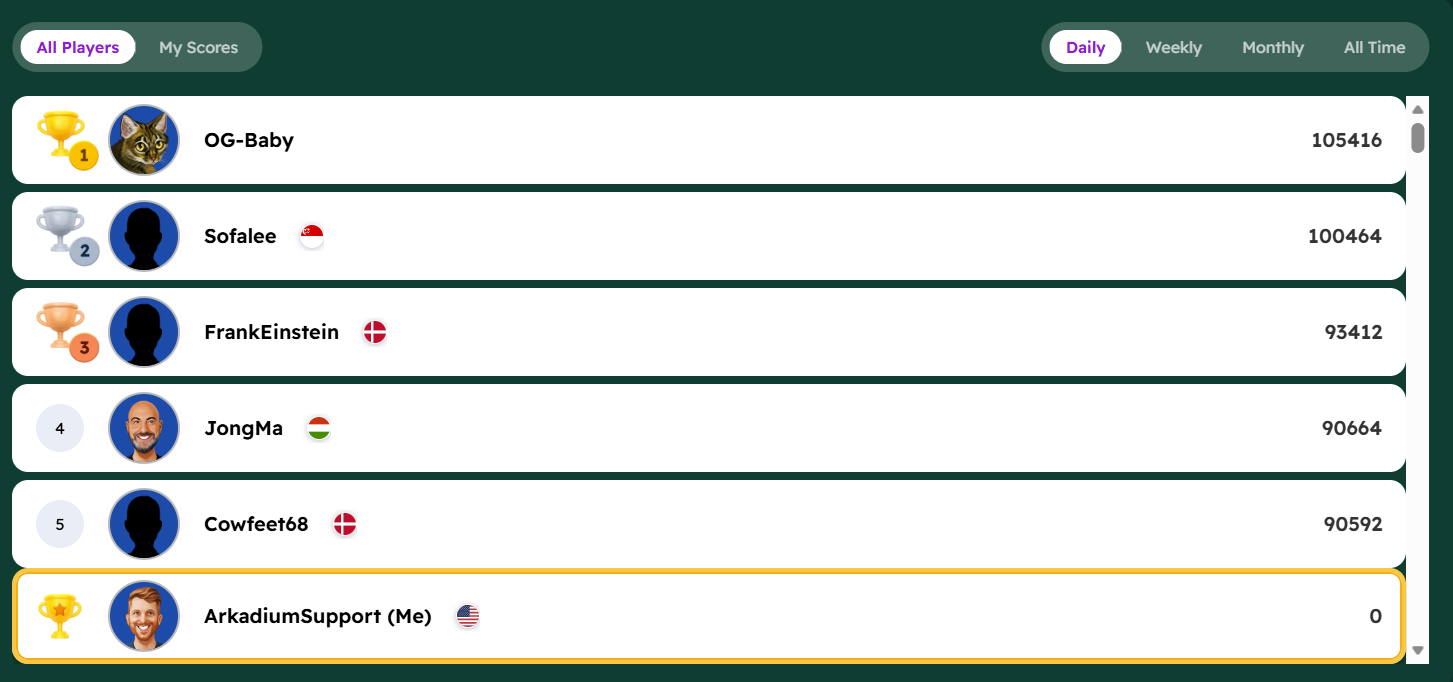
You can switch between all website player scores and only your own score records on the top left.
While on the top right, you can switch between the Daily, Weekly and Monthly leaderboards. You can also check the best scores of All Time.
