
This article contains everything you need to know about Arkadium’s Family Feud with Steve Harvey Game.
This is a guide to the sequel game to the original Family Feud. If you'd like to see the guide to the original game, you can find it Here.
Use the list below to navigate specific topics about the game.

How to play
Welcome to Family Feud with Steve Harvey, the brand new version of a game show classic. You can get started by clicking "Play" at the beginning of the game. Be sure to sign into your Arkadium account, as you'll be able to unlock rewards and advance in rank as you play. Compete to become the greatest at Family Feud!
In Family Feud, you face off against opponents when answering questions posed by Steve Harvey. You will play against the computer, represented by a player of a different rank, and try to answer questions with the correct answers the quickest. The objective is to score as many points as possible by guessing the most popular answers to survey questions. Wrong answers will give you strikes. Strikes will diminish your score.
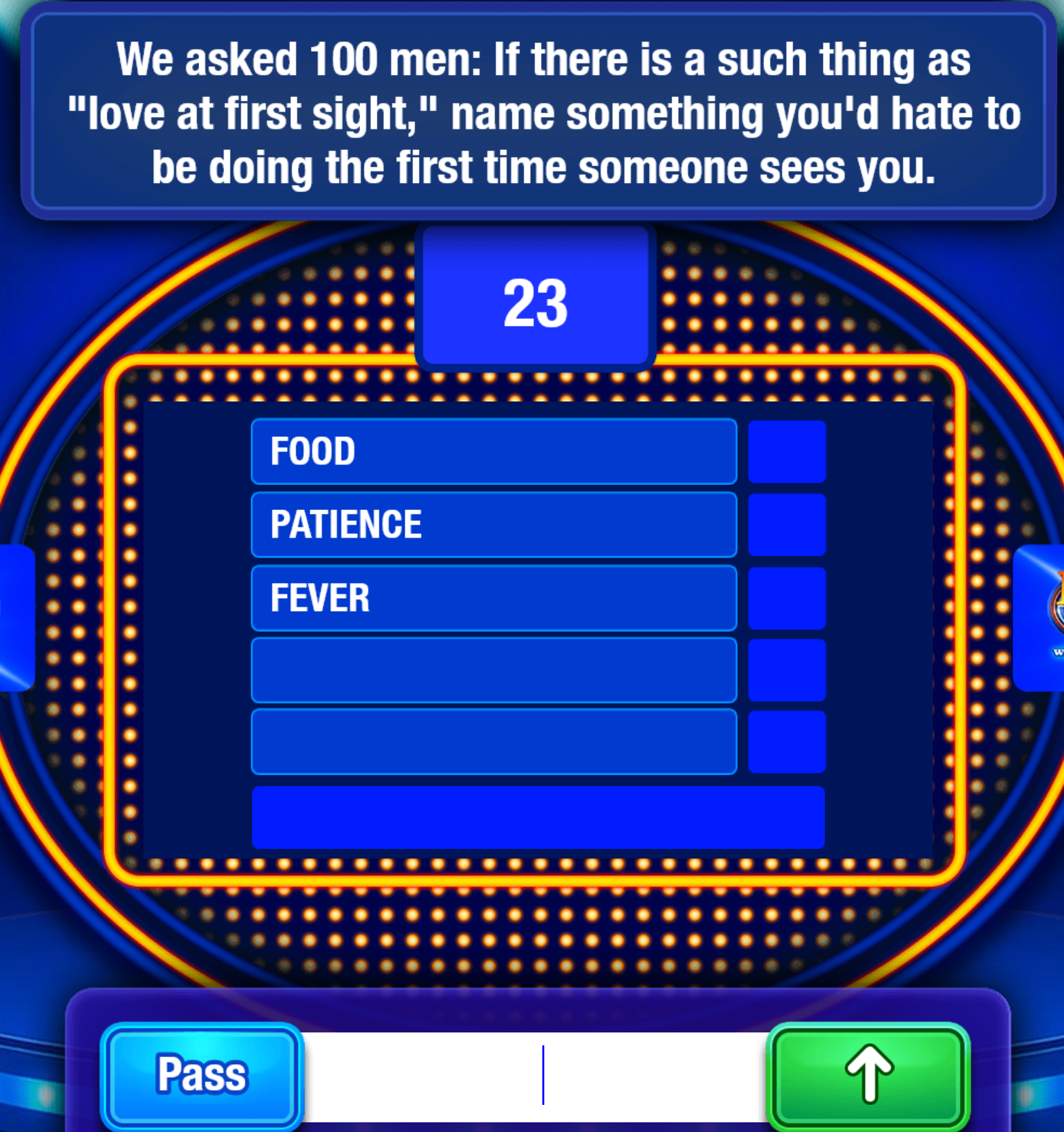
Type one answer at a time using your keyboard. If your answer matches one of the survey's top responses, it will be revealed on the board and you'll earn the corresponding points. Continue guessing until you uncover all of the answers or the timer ends.
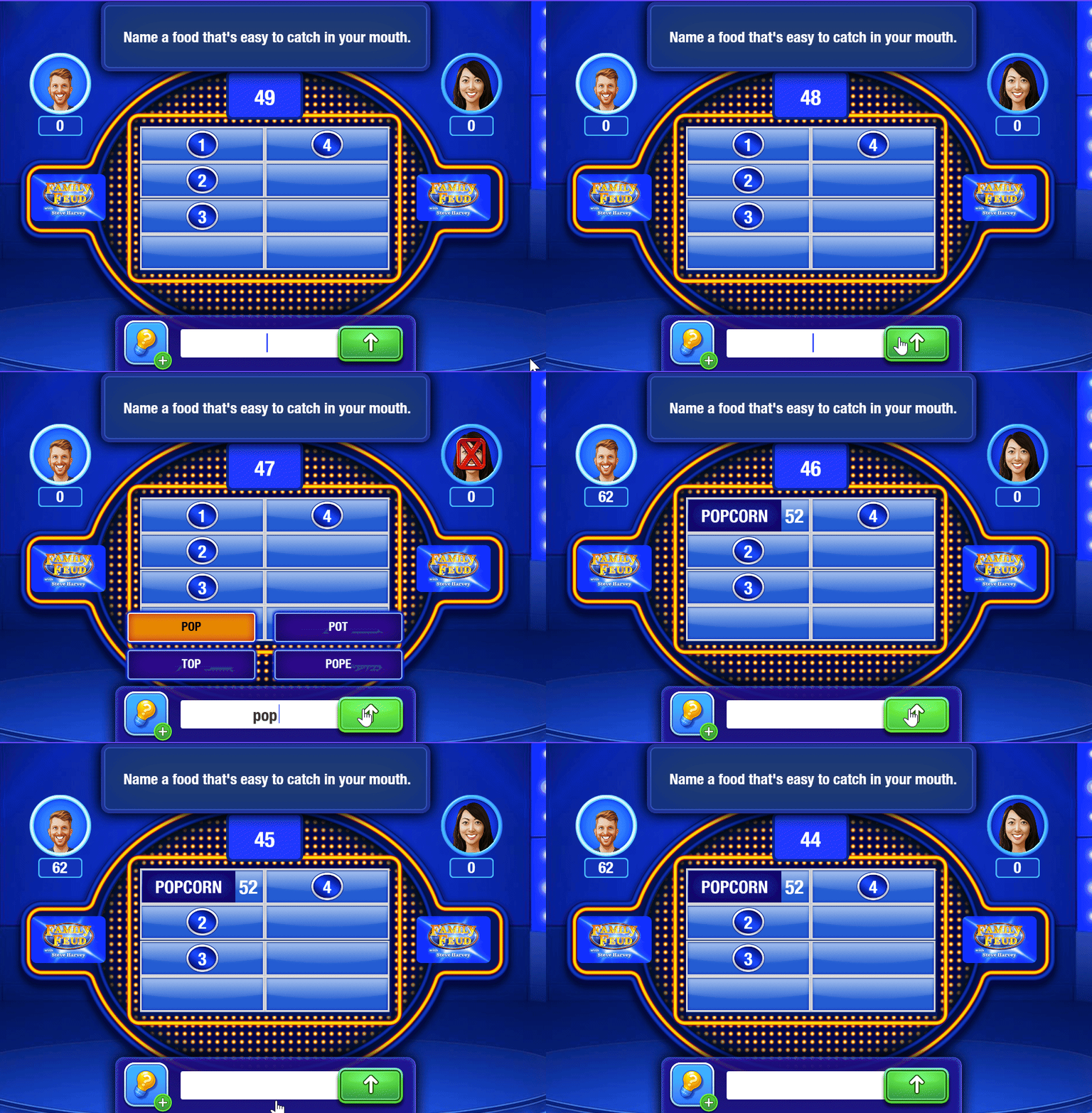
When starting a match, the computer will place you against a similarly skilled player. You'll be playing against the computer, but the player's skills will be exhibited.

The game will have 3 rounds. Each round has a question. You will have a limited time to type the amount of correct answers to the question in the bottom box. After typing an answer, press "Enter" or click on the right arrow. If the answer is correct, it will appear in one of the boxes. If not, you'll lose points.
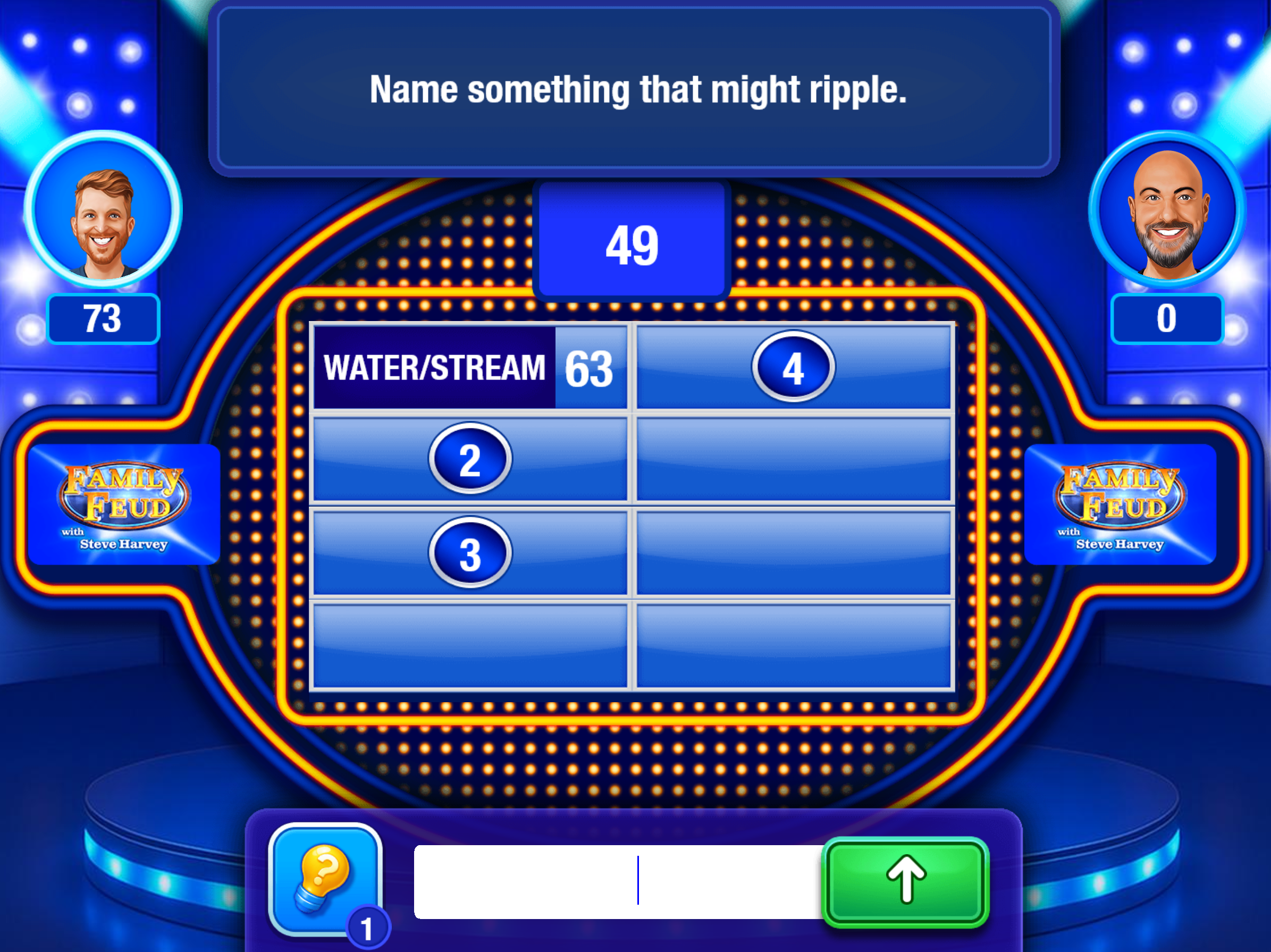
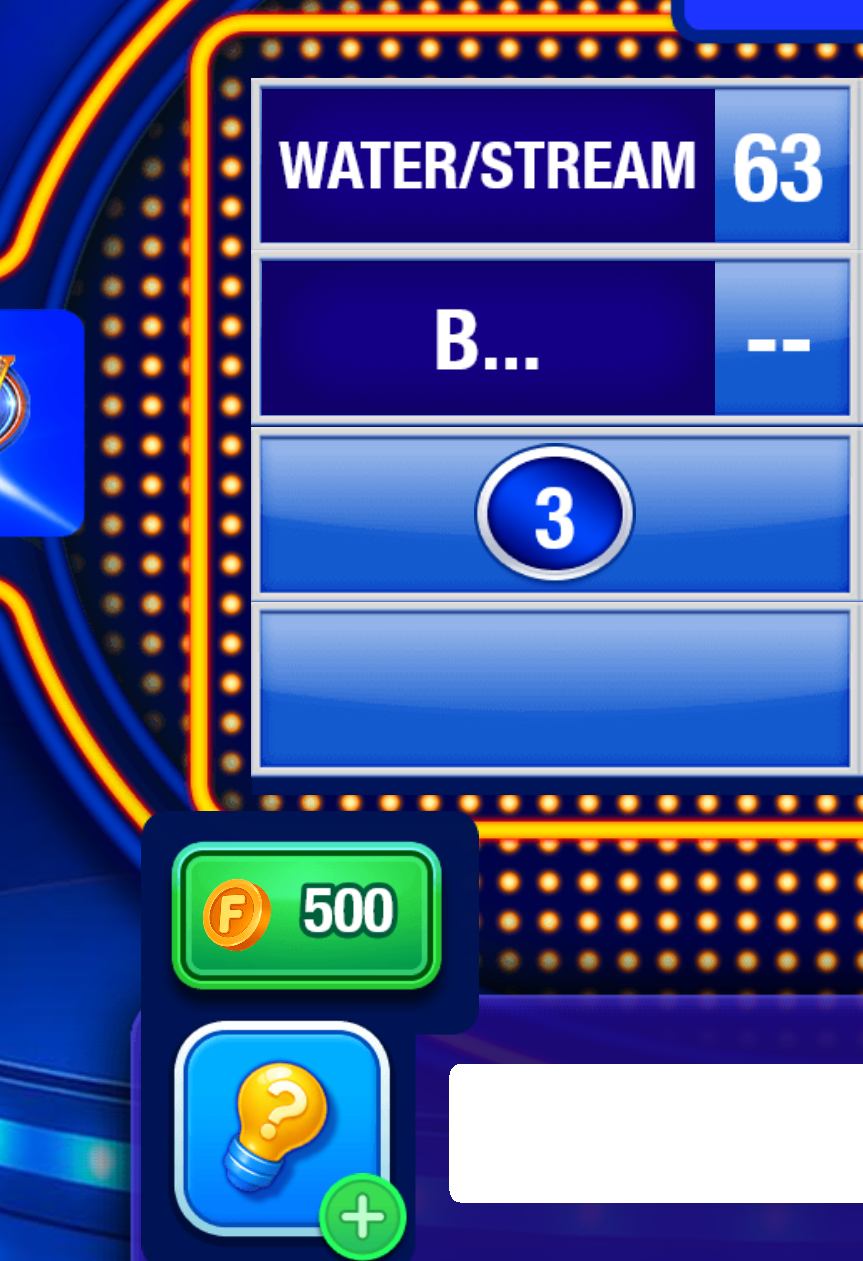
If you're unsure of what to type, you can use the lightbulb. This will allow you to discover the first letter of one of the words, as seen below. You have limited uses of the lightbulb. If you do not currently have uses, you can pay 500 coins, as seen below.
When starting the game, you can choose to play the game, or check out the Leaderboards.

To access the game's settings menu, click on the top left hamburger icon with 3 lines. This will take you to the settings.

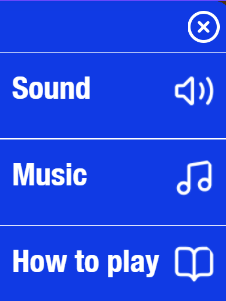
The settings menu allows you to mute sound and music, and to check out the instructions to the game. Click on the "X" to close the settings tab.
Your current ranking will be displayed at the top. You'll see which leaderboard you feature in, as well as your current score.

Be sure to claim your rewards each day by clicking on the Gift Icon.

By playing the game each day, you'll gain access to larger and larger rewards.

Your coins will also be displayed. Click on the plus icon to get more coins immediately.

You can purchase 1,000 coins for 30 Gems, or watch an ad instead.

When choosing to Play the game, you can pick Fast Money, Classic or Tournament. Tournament costs 5,000 coins to play. You can gain coins playing the other modes. Click on the lower left home button to return to the menu.

When picking a mode, you can also add a boost before playing, if you have one. Picking Classic has you play the classic Family Feud match game.

Picking Fast Money means playing the Fast Money Round, which has you answer several questions in a row. These questions are then added up to make a total score.
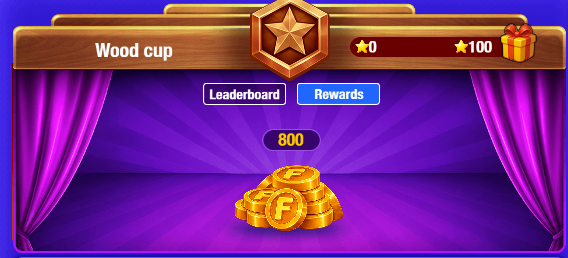
This is the Leaderboard. You can compete on the Tournament mode to achieve scores across different boards. You start off in the Wood Cup. You can reach higher and higher scores as you play on.

You can click on "Rewards" to check the rewards you gain by competing in this Leaderboard. Higher leaderboards mean higher rewards!
Daily Challenge
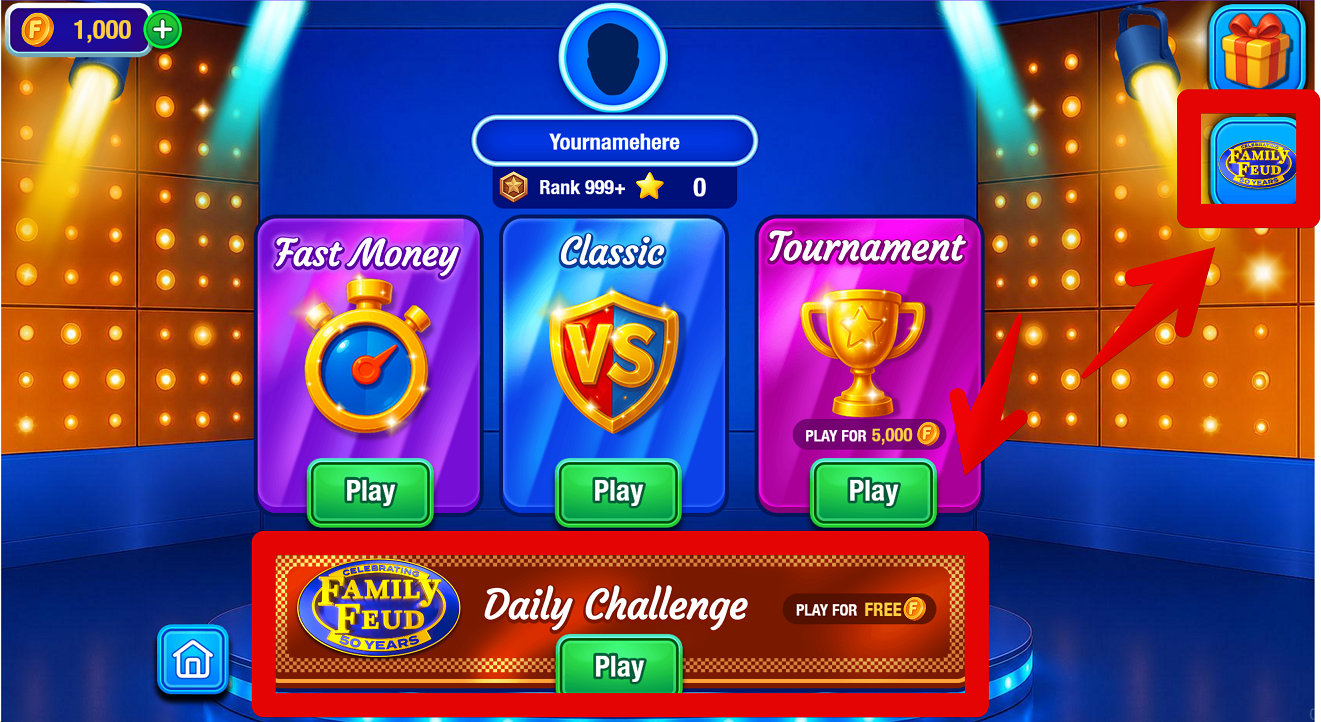
The Daily Challenge is now available on Family Feud with Steve Harvey. By clicking either the link on the right below the Rewards, and below the main mode menu, you can access a brand new challenge each and every day.
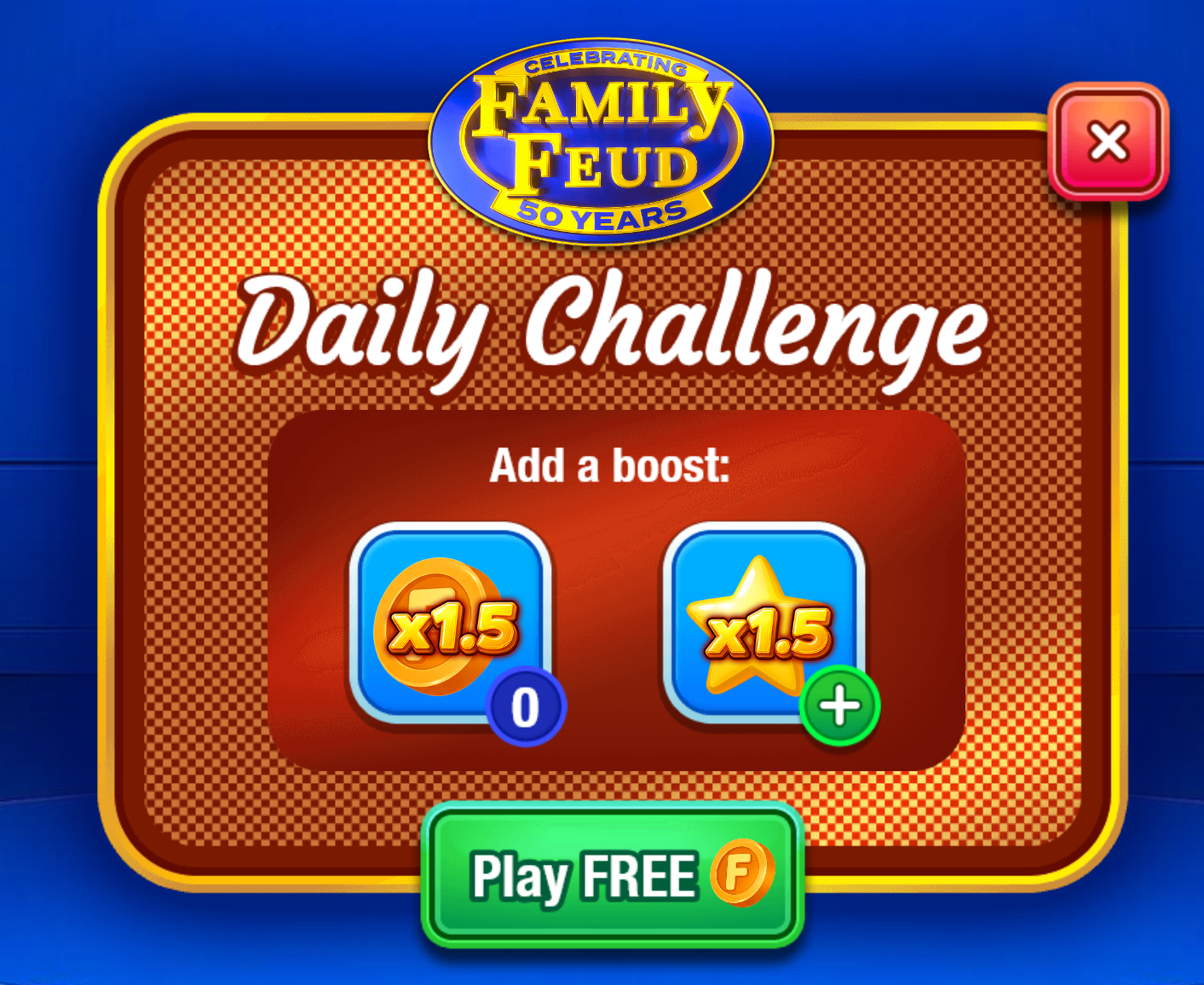
Before each of the Daily Challenges, you can add a boost. You can earn 1.5 the amount of usual coins or 1.5 the amount of usual stars.
You'll then feature a regular round of Family Feud with special questions against someone in your rank, which will grant you special rewards each day if you win.

Brand new questions and challenges are available each and every day, so be sure to always try the challenges!
Tips
When playing Family Feud, the answers might not be what is immediately obvious for you. Here are some good tricks to get better at the game:
- Think like the average person. The goal is the most common survey answer, not the most accurate or creative one.
- Say the obvious answer first. Your first instinct is often the highest-scoring response.
- Keep your answers simple. Use common, everyday words instead of specific or unusual examples.
- Pay attention to revealed answers. Eliminate what's already on the board and think of the next most likely response.
Have fun playing Family Feud!
Scoring
Family Feud does not use the regular Leaderboard from the Arkadium website. Instead, it uses the internal ranked leaderboard where you can compete for the highest scores.