
When playing Arkadium Daily Games, it's possible to encounter a small pop-up window that will give you the option to receive that game directly in your e-mail. Games such as the Daily Crossword and Hurdle are compatible with this.
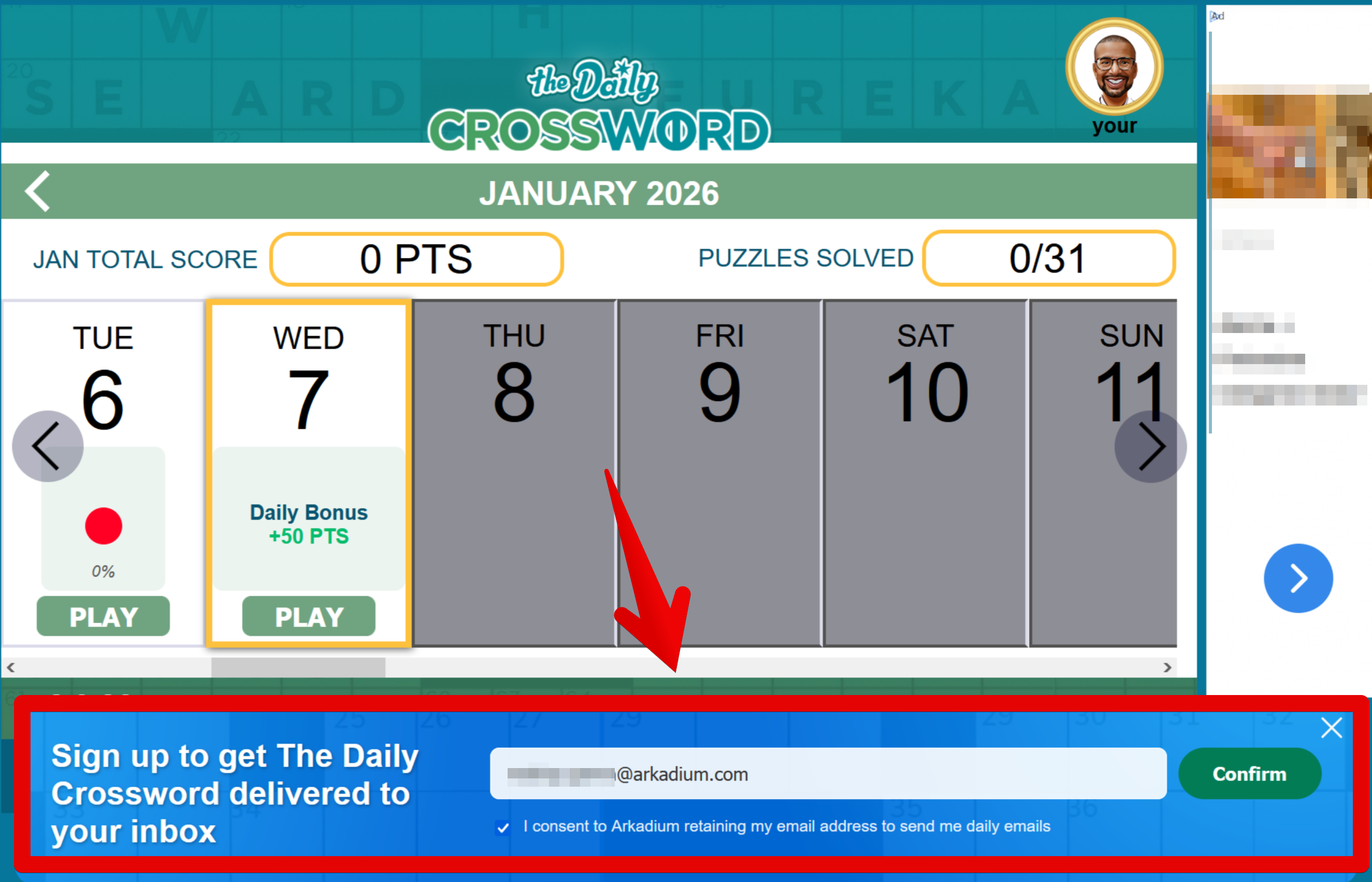
However, there are times in which you may no longer see this e-mail. This is usually due to one of two reasons.
The first one, is a possible redirection to your Spam Inbox. E-mails have inboxes where troublesome spam and other problematic messages are contained, chosen by an automatic filter. It's possible that your e-mail address chose Arkadium e-mails as spam, and directed them as such. Simply go to your Spam Inbox and verify if this is the case. Be careful, as not all e-mail messages in this inbox are safe.

The second reason, is that you've accidentally unsubscribed to the service. This can be done by clicking "unsubscribe" under each of the e-mails.

However, this can be fixed. Simply go to one of your earlier daily game e-mails, and click the "Unsubscribe" link again. This will take you to a menu.
You can then click to accept e-mails again, by clicking "Yes" and "Save Preferences". This will make sure that you continue receiving game e-mails.
