
This is a list of known in-game and site issues that are currently under investigation.
We are working on a solution to resolve them as soon as possible and sincerely apologize for any inconvenience you may experience. We will update this page as issues are discovered and resolved. Thank you for your patience and understanding.
If your issue is not mentioned here, please contact our Support Team for further assistance.
- ⚡ [BLACK BARS IN SOME GAMES]
- ⚡ [LOST PROGRESS]
- [CANASTA]
- [DAILY SOLITAIRE]
- [JEWEL QUEST]
- [MAHJONG SOLITAIRE 2: LEGENDS EDITION]
- [POT OF LUCK BUBBLE SHOOTER]
- [SMARTLE]
- [SPIDER SOLITAIRE]
- [WORD HUNT]
⚡ [BLACK BARS IN SOME GAMES]
* Black bars covering the game area: We are aware that in some games, our players may see black bars or black portions of the screen, which can affect the gaming experience. From what we know, this issue is affecting Chromium-based browsers. While our team is investigating these reports and looking into a fix, we recommend that affected players try playing on Firefox or Safari in the meantime. Thanks for your patience with us!
⚡ [LOST PROGRESS]
* Lost saved data: We are aware of an issue affecting some logged-in players on arkadium.com. In several cloud save games (primarily Crossword, and Hurdle games) some long-time players may experience lost saved progress. This issue mainly affects players who have been playing these games on our website for a long time, for example, over several years. Our relevant team is aware of the issue and is currently investigating it. We will update this article as soon as more information or a fix becomes available.
[FRUIT MERGE]
* Game is not loading: We're aware that some players are having trouble loading the game. We're sorry for the inconvenience! We've already reported the issue to our team for further investigation. Thanks so much for your patience and understanding!
[CANASTA]
* Gameplay: Some players are unable to meld even when they have a complete canasta in their hand.
[DAILY SOLITAIRE]
* Gameplay: We've heard from many of you that the October 20 puzzle was more challenging than usual, and we truly appreciate you taking the time to share your feedback with us! Our team has carefully reviewed your comments and shared them with our developers. We're happy to let you know that the puzzle will be replaced. We'll update this article as soon as the replacement is available. Thank you for your patience, understanding, and for helping us make your puzzle experience even better.
[JEWEL QUEST]
* Game is not loading: We're aware that some players are having trouble loading the game. We're sorry for the inconvenience! We've already reported the issue to our team for further investigation. Thanks so much for your patience and understanding!
[MAHJONG SOLITAIRE 2: LEGENDS EDITION]
* Missing progress of daily challenges: We’re aware that some players are losing their progress after playing Daily Challenges, and competition checkmarks may disappear. Our team knows about the issue and is working on a fix.
[POT OF LUCK BUBBLE SHOOTER]
* Functionality: We are aware of an issue where some players are unable to receive the 10 moves reward (clicking the button link does not respond as expected). We appreciate your patience as we work on a resolution.
[SMARTLE]
* Scoring: We're aware that the score in the game is different from the score posted on the leaderboard. We're working on a solution and hope to have it fixed soon.
[SPIDER SOLITAIRE]
* Game loads previous match: We understand that the Spider Solitaire games have been loading previous progress in matches when clicking "Continue" instead of simply providing new ones, even when the matches have ended before. This occurs when the progress data has problems. You can delete the stuck progress by clearing your cookies.
[WORD HUNT]
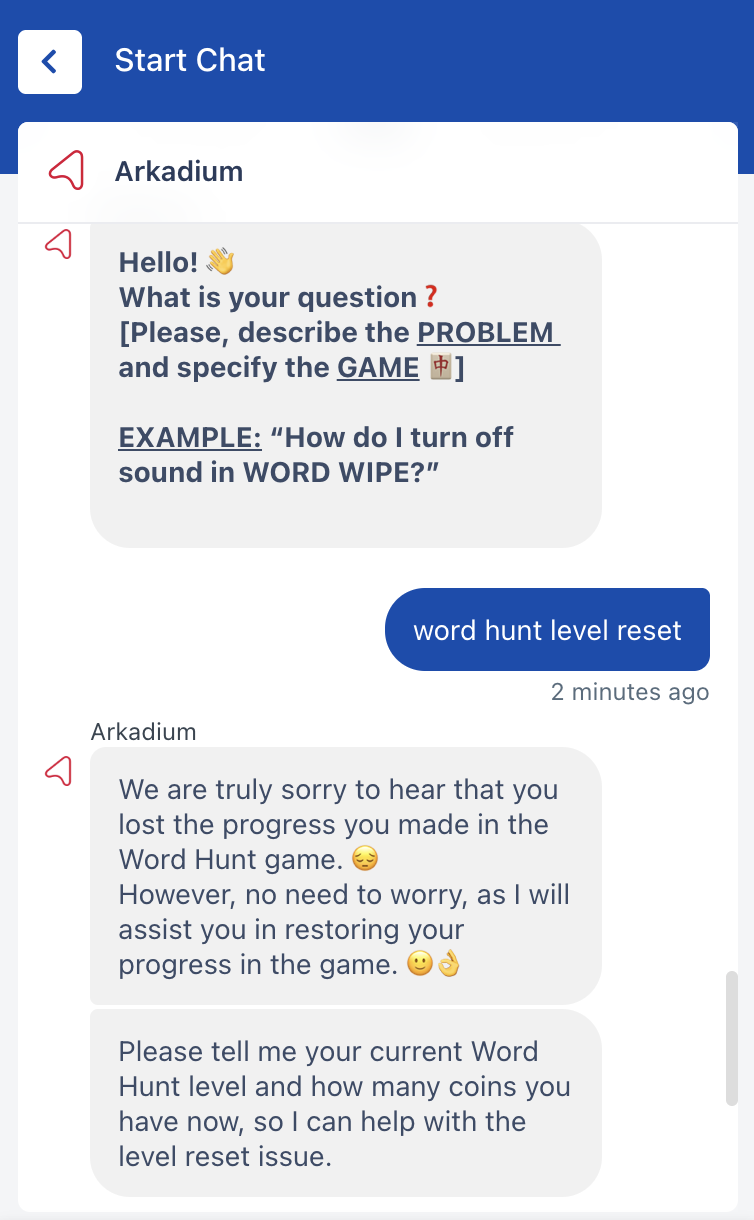
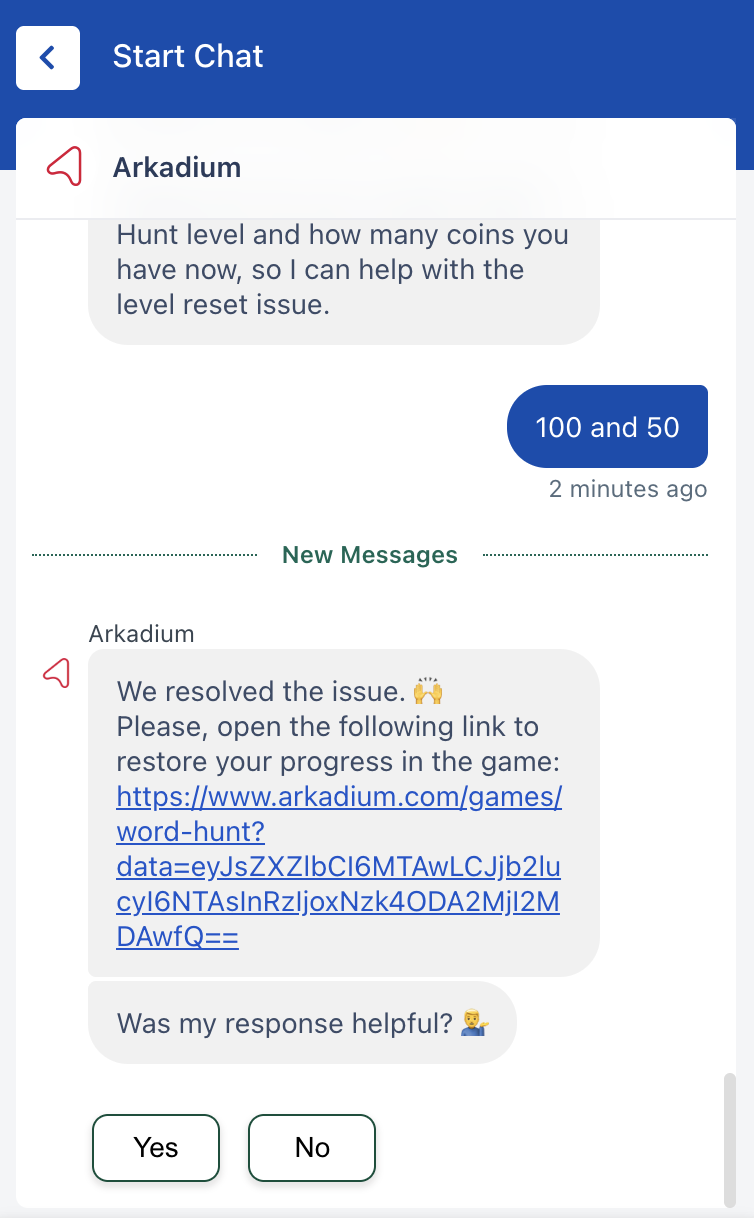
* Lost progress: We're aware that some players are losing their in-game progress in Word Hunt, causing the game to start from the 1st level. We have since created an automated system to restore your progress in the game.
Here is how to do this in just 5 steps: (If you are already in the chat - just type "Word Hunt Level Reset")
1. Open www.arkadium.com website.
2. Open support menu from any place on the website. You can find the button on the top right corner close to your account picture.
3. Find option 'Chat with us' and click button "Chat Now".
4. In the new pop-up click "Start Chat"
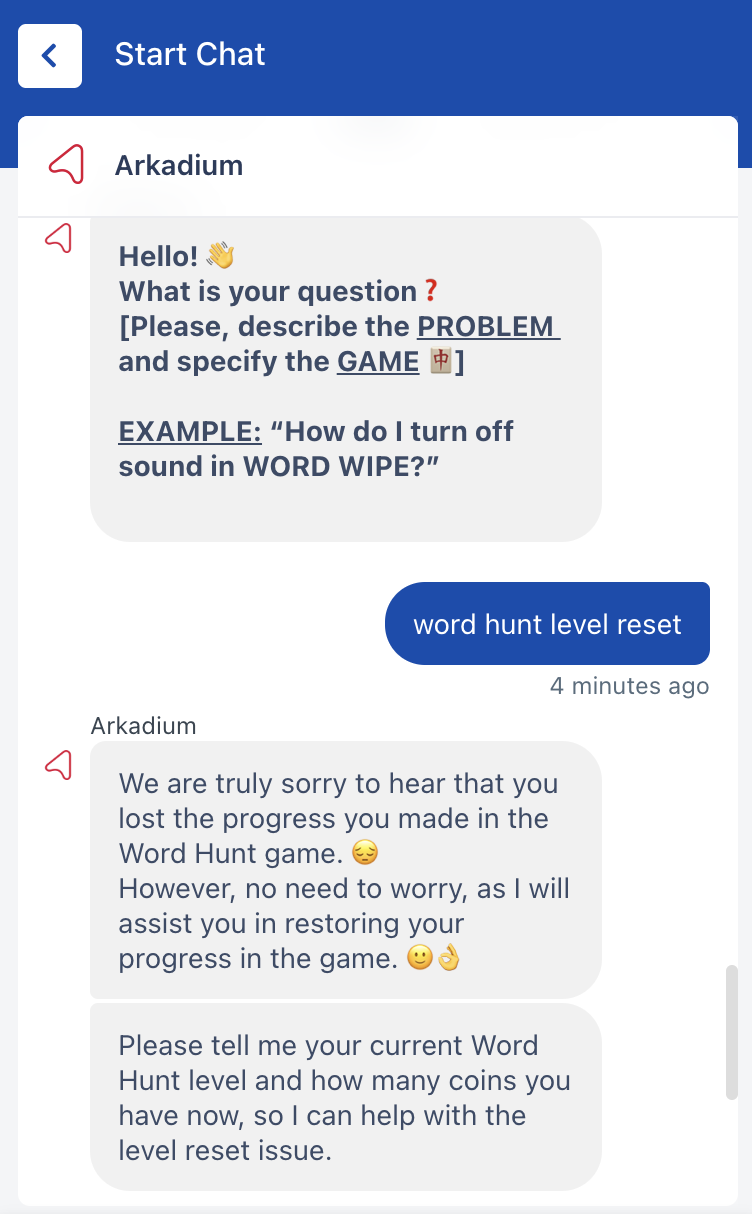
5. Type 'Word Hunt Level Reset'
6. Input the Level and number of Coins to restore your Word Hunt level.
If your issue is not mentioned here, please contact our Support Team for further assistance.